Keep the Import Wallet Next button clear of the keyboard - #6161
Conversation


Convert the component to the React.FC form the lint rule expects.

003c75c to
7e779e8
Compare

|
You have reached your Codex usage limits for code reviews. You can see your limits in the Codex usage dashboard. |
![cursor[bot]](https://avatars.githubusercontent.com/in/1210556?s=60&v=4)

There was a problem hiding this comment.
Cursor Bugbot has reviewed your changes using high effort and found 1 potential issue.

❌ Bugbot Autofix is OFF. To automatically fix reported issues with cloud agents, enable autofix in the Cursor dashboard.
Reviewed by Cursor Bugbot for commit 7e779e8. Configure here.
8f92bd2 to
f5b6a1f
Compare
The scene rendered its content, including the Next button, inside a scroll
view that did not react to the keyboard, so opening the keyboard to type a
seed hid the button behind it. Shrink the scene to the space above the
keyboard, keep the button pinned below the scrolling content, and let the
key logo flex instead of holding a fixed 2 rem of margin.

Drop the keyboard-dismiss steps the maestro import flows needed to reach the
button.
f5b6a1f to
dbf030c
Compare

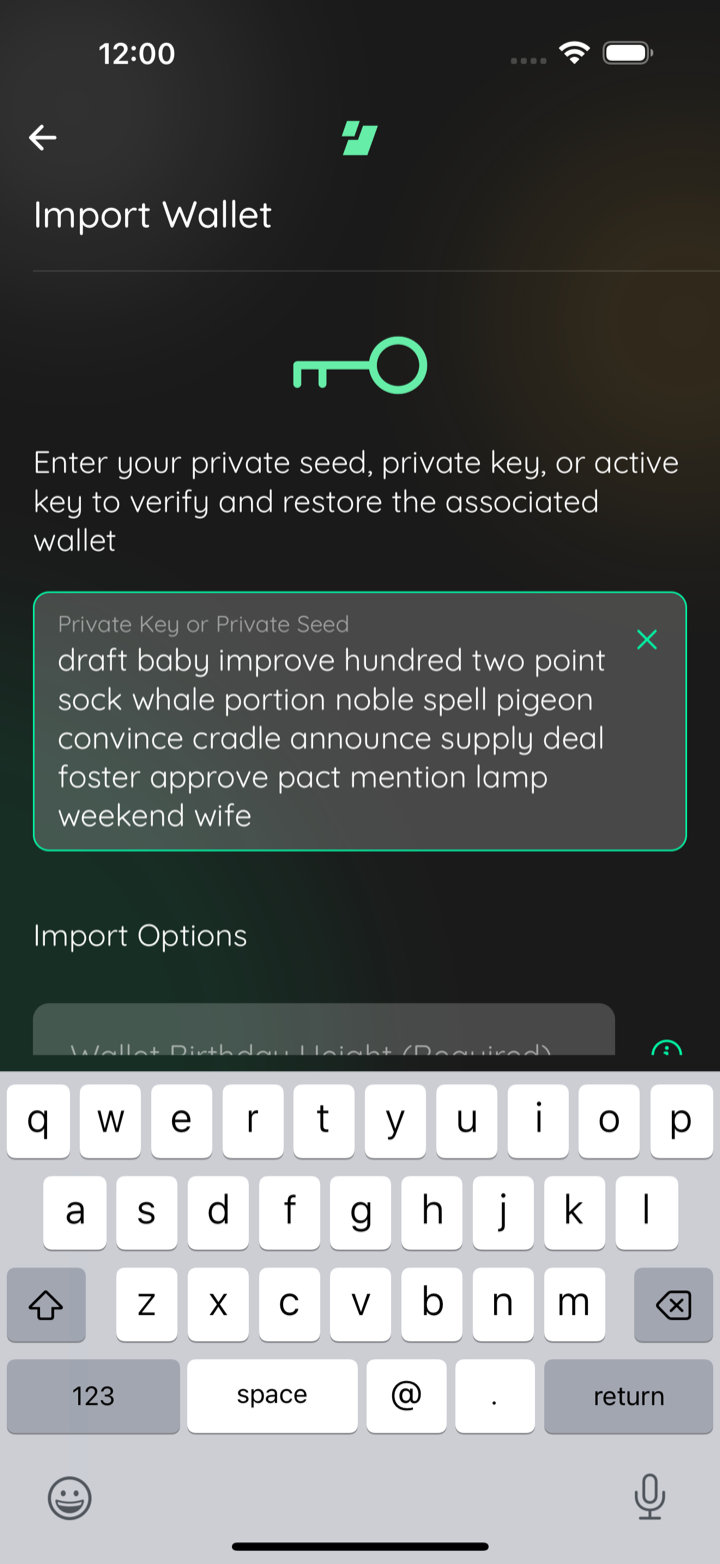
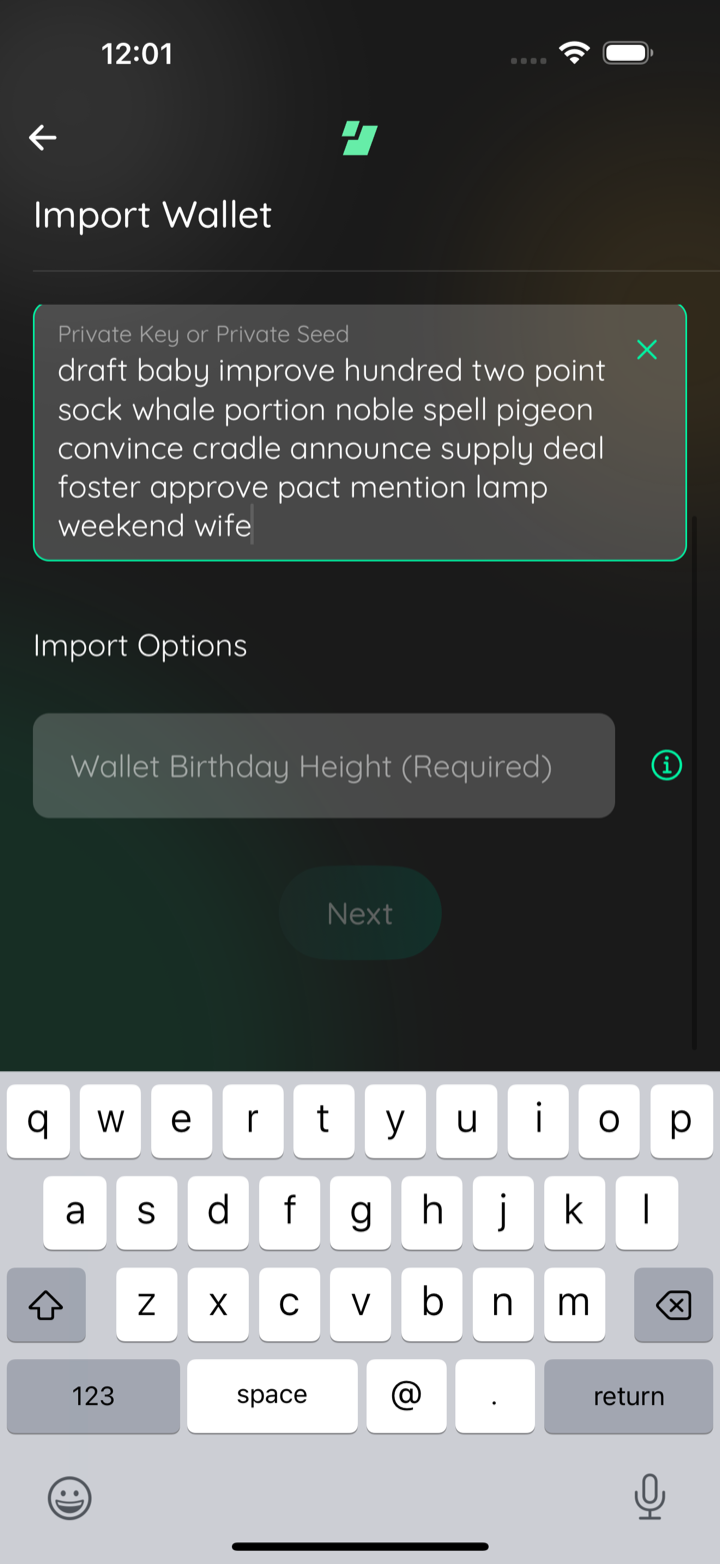
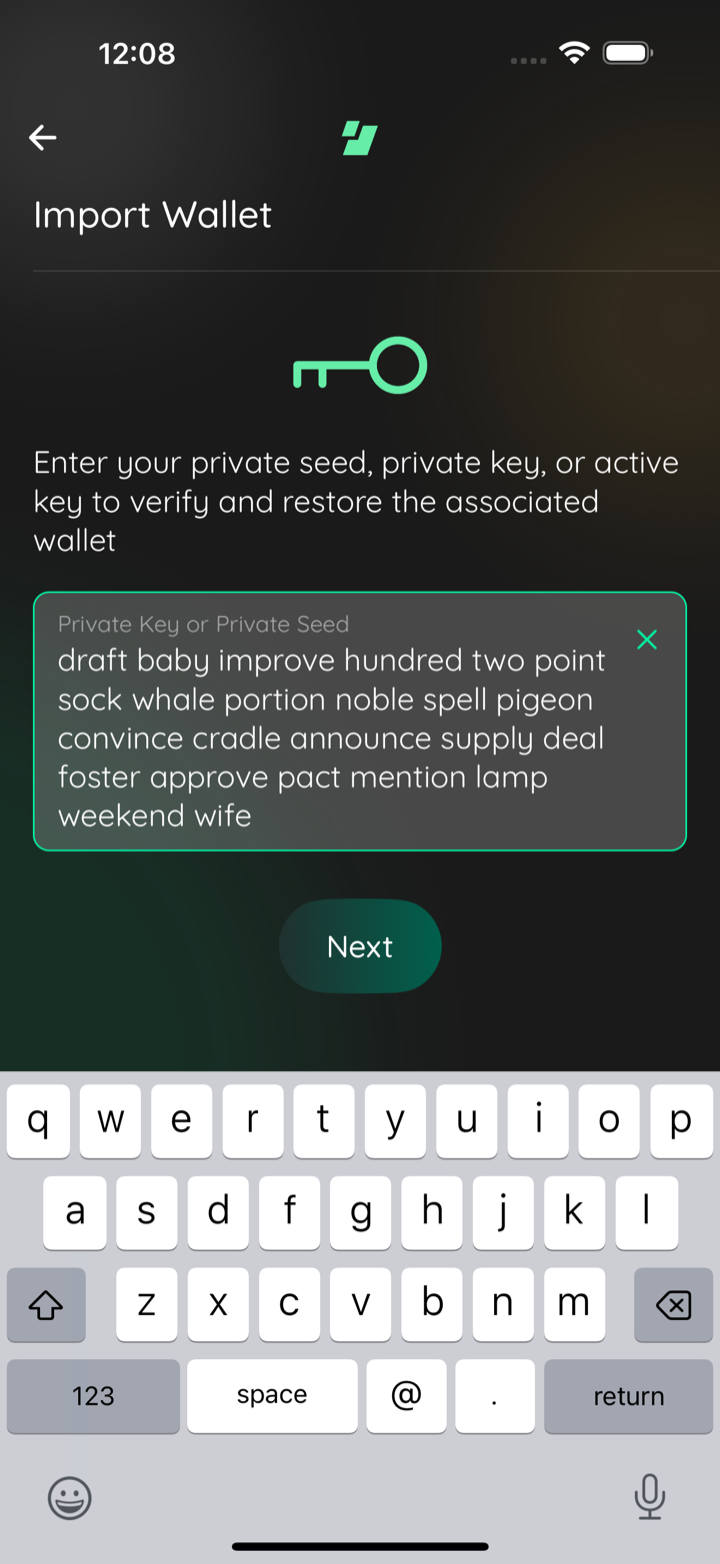
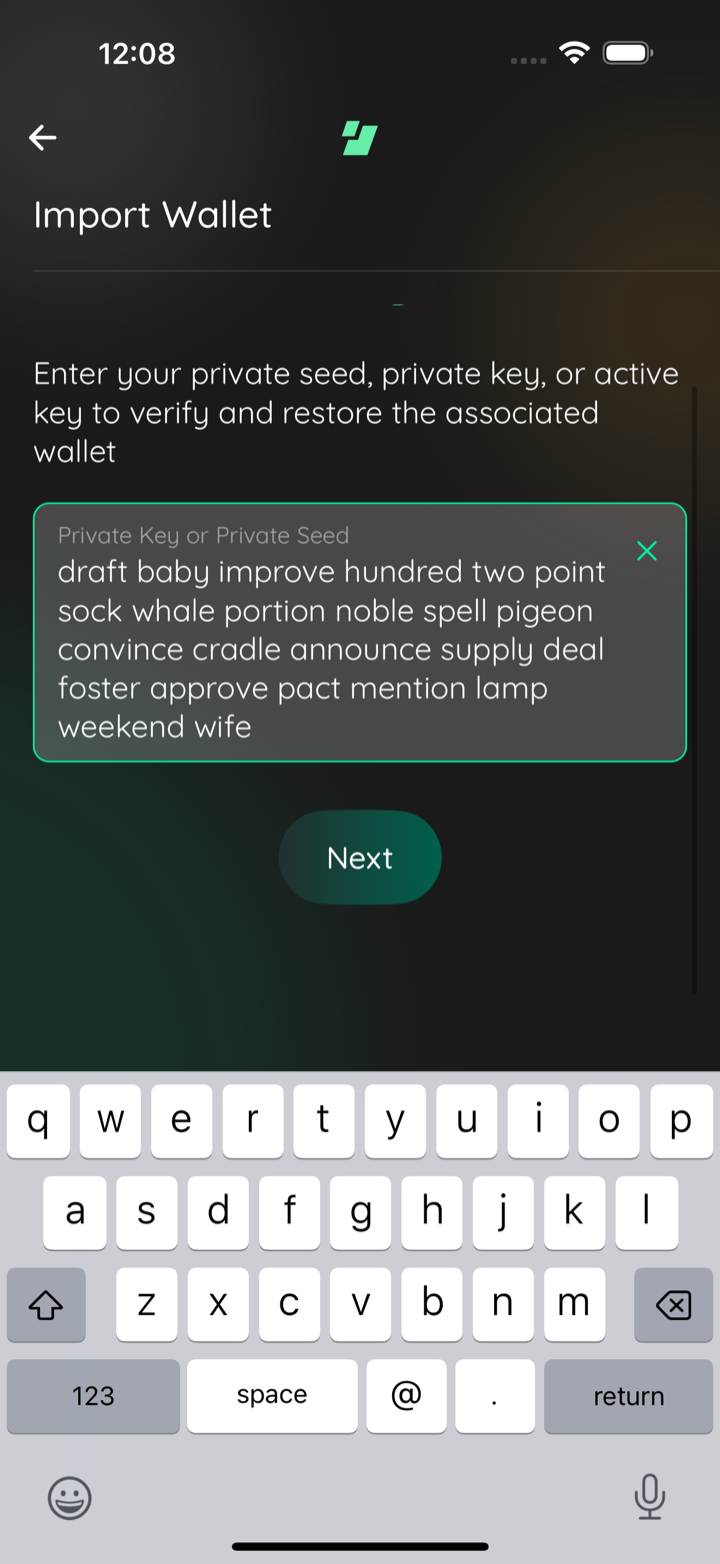
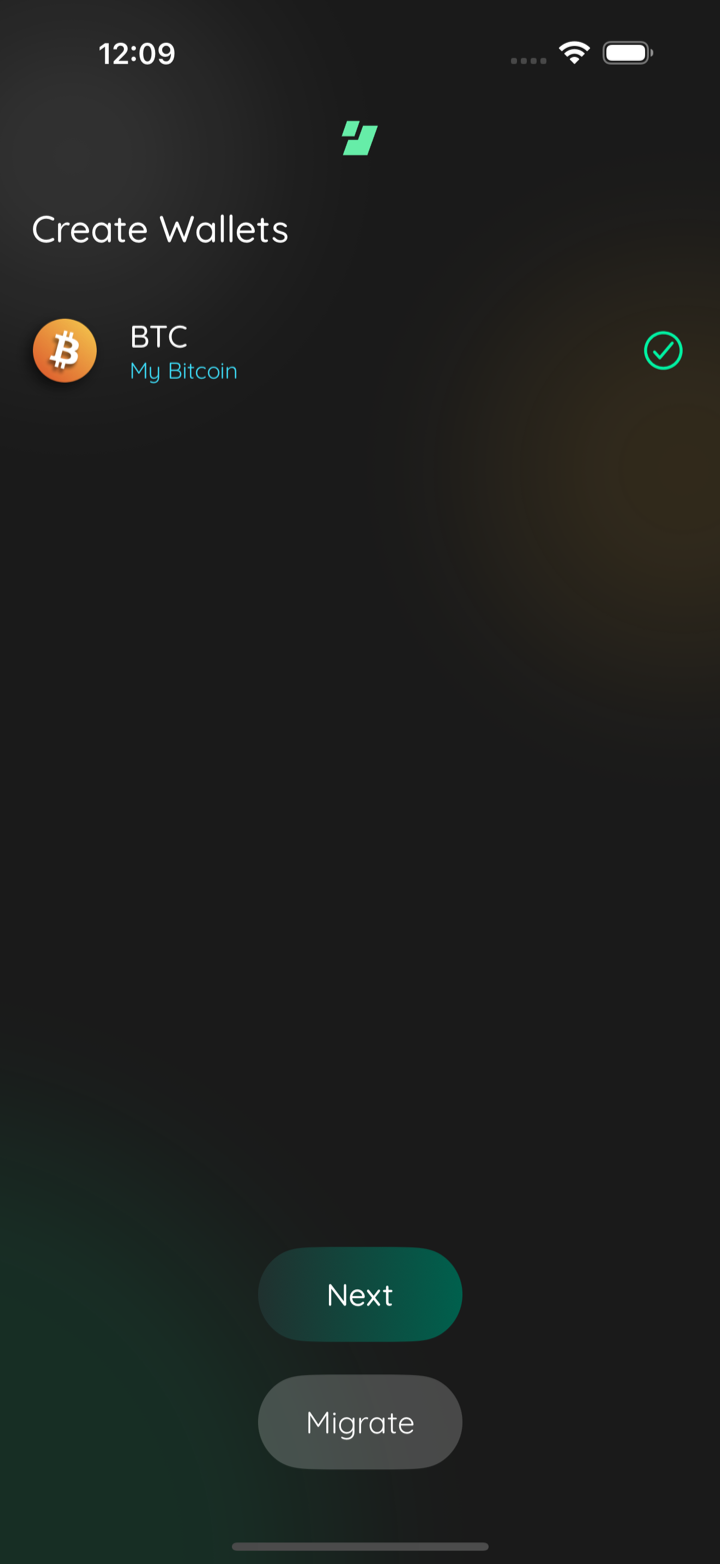
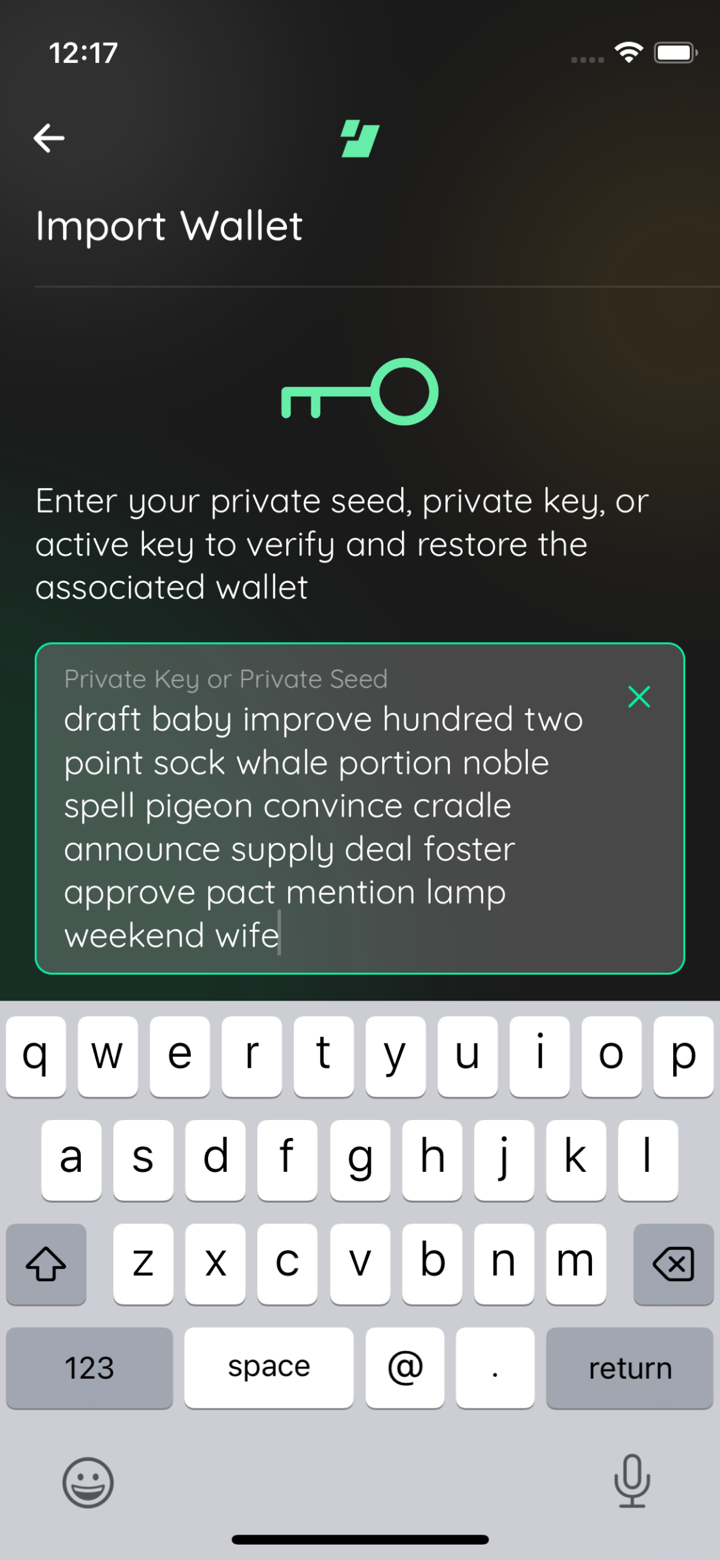
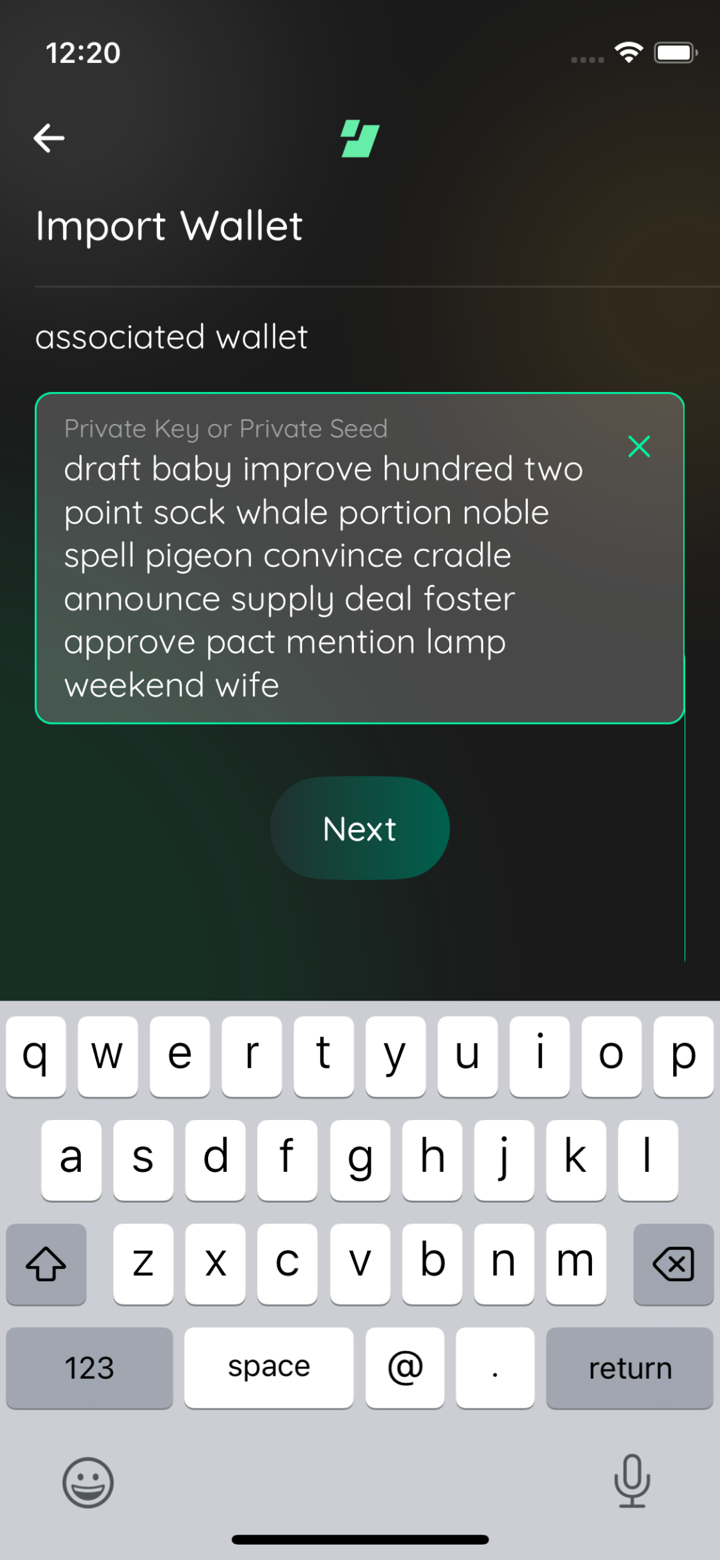
📸🪓 Test evidence (followup: seed field must not collapse)
btc zec seed typed
btc zec next scrolled
btc only seed typed
btc only next scrolled
btc only imported
🪓 HACK-FORCED: mini btc seed
🪓 HACK-FORCED: mini btc next scrolled
Captured by the agent's in-app test run (build-and-test). |
1 participant

Description
Asana task
The Import Wallet scene rendered everything, including the Next button, inside a
scroll view that did not react to the keyboard. Opening the keyboard to type a
seed hid the button behind it, along with the per-asset Import Options inputs
(the Zcash / Pirate Chain birthday height). A wrapped 12- or 24-word phrase or a
short device made it worse.
The scene now shrinks to the space above the keyboard (
SceneWrapper avoidKeyboard, the pattern ~20 other scenes already use, backed byreact-native-keyboard-controller) and its content lives in a realScrollView. Because the keyboard is part of the layout, the scroll viewportends above it, so scrolling can actually reach the bottom of the scene; on the
unchanged build the viewport's bottom edge sits underneath the keyboard and no
amount of scrolling reveals Next.
Two things decide the rest of the layout:
FilledTextInputhardcodesflexGrow: 1/flexShrink: 1on its containers whenmultiline, and aScrollViewlays its content out against the scroll viewport, so the seed boxwould shrink to whatever room the keyboard leaves rather than sizing to its
text. A plain non-shrinking
Viewaround the field in this scene is enough tostop that: the field then sizes to the phrase and the scene scrolls. No change
to
FilledTextInputitself, soTextInputModal'sfullHeightmultiline modeand
SignMessageScene'snumberOfLines={4}keep the fill behavior they want.than Next being visible without scrolling, so
SceneButtonsstays inside thescroll content rather than pinned as a sibling.
The key logo's fixed 2 rem margins drop to 1 rem, and the container gets
flex: 1so the content actually scrolls.The maestro import flows previously dismissed the keyboard before tapping Next.
Both copies (
maestro/common/import-wallets.yaml,maestro/07-wallets/C000029a-migrate-wallets.yaml) now drop the keyboard andscroll Next into view, since a 24-word phrase can push it below the fold.
One deviation from the task text: the task asked for the logo spacing to flex
and grow when there is room. Implementing that with
flexGrowon the scrollcontent made the multiline seed input compete for the same free space, so the
spacing is a fixed 1 rem minimum instead.
Asana: https://app.asana.com/1/9976422036640/project/1213880789473005/task/1217525813318788
CHANGELOG
Does this branch warrant an entry to the CHANGELOG?
Dependencies
none
Requirements
If you have made any visual changes to the GUI. Make sure you have:
iOS, iPhone 16 Pro Max simulator: a real 24-word BIP39 phrase typed with the
keyboard up, in both the plain BTC configuration and the BTC + ZEC one (which
adds the Import Options heading and the required Zcash birthday-height input).
The whole phrase stays visible in both, and scrolling with the keyboard up
reaches the birthday input and Next. The BTC import was driven through to the
Create Wallets completion scene ("BTC / My Bitcoin", green check).
iOS, iPhone 13 mini simulator: the same scene with the phrase entered and the
keyboard up. All six wrapped lines stay visible, and scrolled to the end Next
sits fully above the keyboard. Those two frames are marked with an axe in the
evidence comment: they were captured with the seed pre-filled and a one-off
scroll, because the harness only drives this session's slot simulator. The
layout in them is unforced and the local hacks were reverted.
Android: not exercised in this pass. The change is shared JS and the manifest
already uses
adjustResize.