
Organize boxes, items and storage locations with photos, QR codes, backups, CSV import/export and Shortcuts automation.
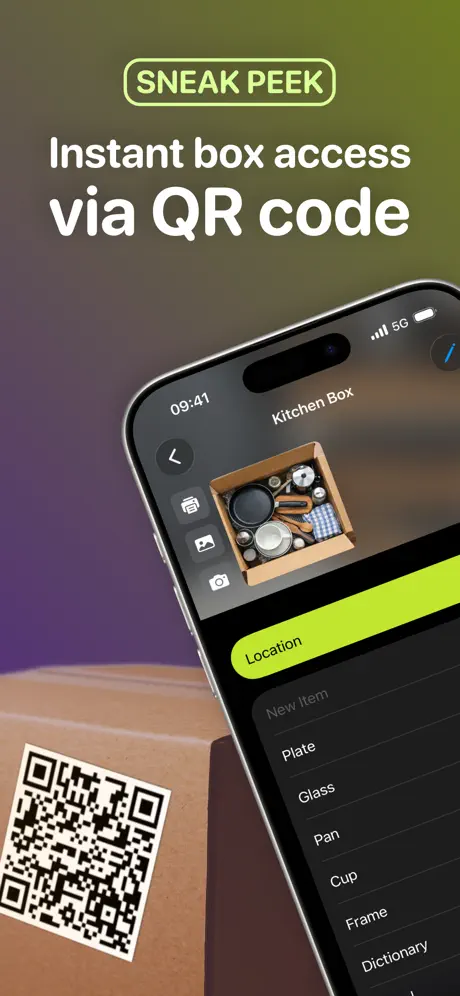
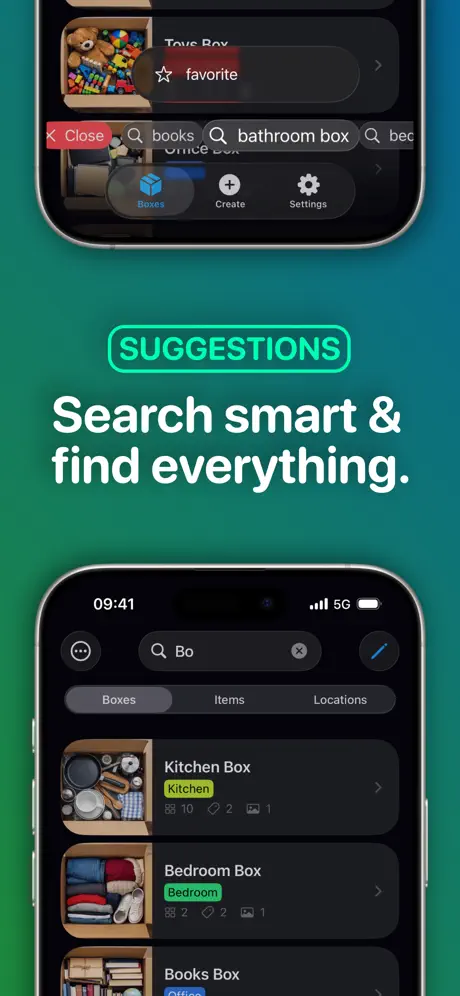
BoxHelper is a SwiftUI app for keeping track of boxes, items and storage locations. It is built for moving, home storage, basement shelves, office inventory, storage units, or any setup where you want to know what you own, where it is and how to find it again without opening every box.
Each box can get its own QR code. Scan the code later to jump directly to the box and see what is inside. BoxHelper also supports photos, tags, deeper search, backups, CSV import/export and automation through Siri Shortcuts and App Intents.
I no longer want to hide this app away. I want everyone to have the chance to become part of BoxHelper, whether that means actively contributing to this repository, learning from the code, or building their own version from it.
AI has made it easier than ever to create copycats of management and organization apps. Instead of spreading effort across a thousand half-finished clones, I believe it is better to combine resources, ideas and real-world feedback into one strong app that can become genuinely useful for more people.
- Manage boxes, items and locations
- Generate, customize, print and scan QR codes for boxes
- Add photos to boxes, items and locations
- Search across boxes, items, locations, tags and linked content
- Create, export, share, import, merge and restore ZIP backups
- Import and export CSV files for boxes, items and locations
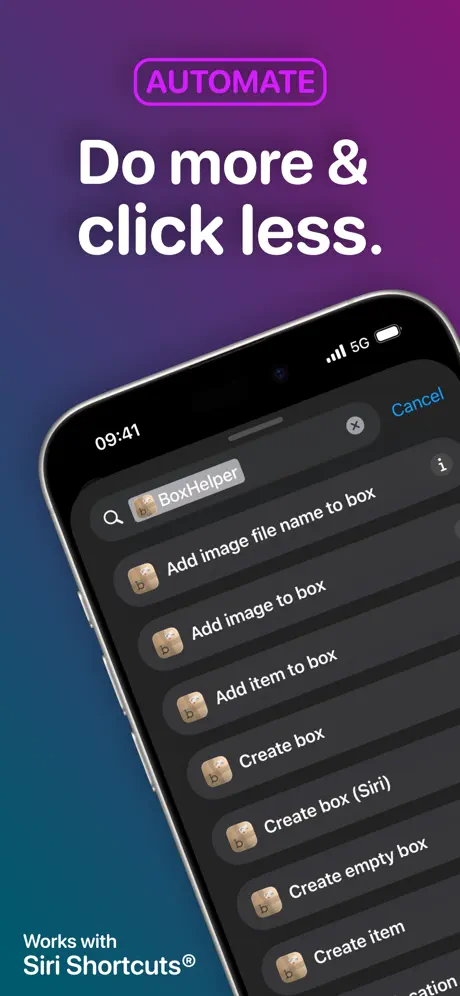
- Use Siri Shortcuts and App Intents for recurring workflows
- Customize QR code labels and app appearance
- Keep inventory data under user control on device


BoxHelper is built for:
- iPhone with iOS 18.0 or later
- iPad with iPadOS 18.0 or later
- Mac with macOS 15.0 or later and an Apple M1 chip or later
- Apple Vision with visionOS 2.0 or later
- Xcode
- iOS/iPadOS simulator or a compatible test device
- Local Swift package
Zip, because the Xcode project references../../Zip-Dependency
- Clone the repository.
- Make sure the local
Zipdependency is available at the expected relative path. - Open
BoxHelper.xcodeprojin Xcode. - Select a scheme, for example
en-US,de-DE, orBoxHelperRelase. - Build and run the app on a simulator or device.
BoxHelper is designed around local organization and user-controlled exports. The app does not collect user data. Backups and CSV files are created, shared, imported, or restored by the user.
BoxHelper is available for free in the Productivity category on the App Store. Current public version: 2.0.1.
Open BoxHelper on the App Store
BoxHelper is licensed under the GNU Affero General Public License v3.0 (AGPL-3.0).
If you build on this project, modify it, or create your own version from it, please make your derived work available to others under the same license. This keeps improvements open, supports the project and helps the community build one better app together instead of many closed or unfinished copies.