English · 简体中文
Turn a local or private project into a portable, privacy-reviewed, discoverable, and verified public GitHub release.


Beta: the workflow and bundled scripts are tested, but launch decisions still require repository-specific privacy, licensing, platform, and distribution review.
Making a repository public is not the same as shipping an open-source product. A polished README cannot fix a package that only runs from the maintainer's checkout, remove a credential from Git history, grant missing reuse rights, or prove that a stranger can reach first value.
Open Source Launch gives Codex a repeatable release contract:
private/local project
  -> privacy and IP gate
  -> portable artifact
  -> clean-room first success
  -> conversion README and discovery metadata
  -> authorized public release
  -> measured adoption loop
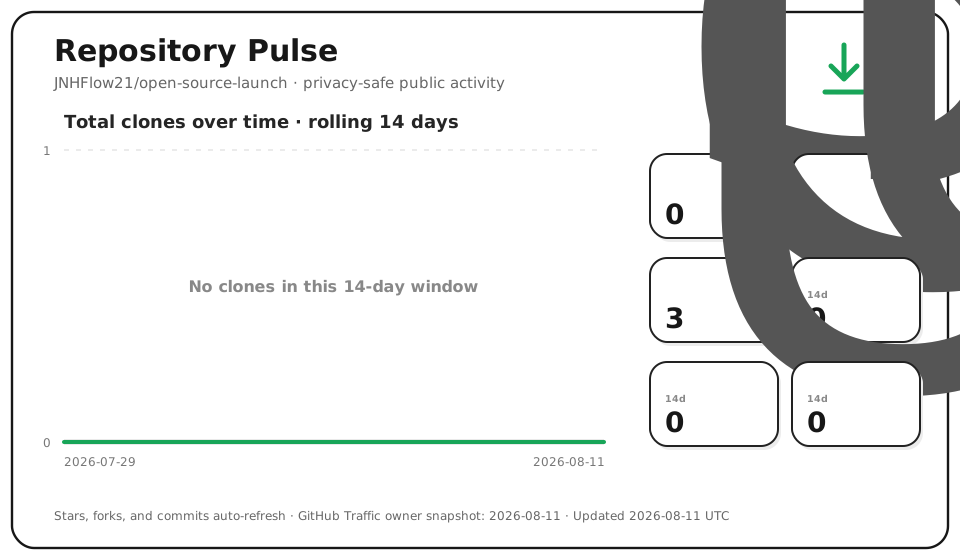
It includes deterministic helpers for public-surface auditing and an optional white-background Repository Pulse chart. It does not silently publish, merge, change visibility, or place credentials in documentation.
DISABLE_TELEMETRY=1 npx skills add JNHFlow21/open-source-launch \
  --skill open-source-launch \
  --agent codex \
  --yes
This verified route installs the Skill into the current project's
.agents/skills/open-source-launch/ directory. DISABLE_TELEMETRY=1 opts out
of the installer CLI's anonymous telemetry; Open Source Launch itself has no
telemetry.
Alternatively, ask Codex's built-in Skill Installer:
Use $skill-installer to install open-source-launch from
https://github.com/JNHFlow21/open-source-launch/tree/main/skills/open-source-launch
Start a new Codex turn after either route so the Skill can be discovered.
Audit this repository with open-source-launch. Do not modify files or remote state.
Expected result: a gate report separating blockers, warnings, verified claims, and missing evidence. Static scanning is only the first gate; it never labels a project launch-ready by itself.
Prepare this project for an open-source GitHub launch, but do not publish it.
When every gate is clean and you intend to authorize remote publication:
Launch this project as open source. Complete the verified PR, repository metadata,
release, and live readback path.
| Mode | Purpose | Remote writes |
|---|---|---|
audit |
Read-only readiness and gap report | Never |
prepare |
Fix portability, public surface, docs, and release assets in an isolated branch/worktree | No visibility or release changes |
launch |
Complete the verified publication path | Only with explicit authorization |
refresh |
Update an existing public repository's docs, discovery surfaces, screenshots, metrics, or release material | Authorized scope only |
- current-tree and Git-history credential review;
- personal data, media, logs, databases, private hosts, and machine-path review;
- third-party code, asset provenance, and license gates;
- fail-closed publication decisions with redacted findings.
- declared runtimes, dependencies, configuration, permissions, and network needs;
- no hidden reliance on the maintainer's
$HOME, shell aliases, keychain, or checkout; - clean clone/archive, isolated HOME, canonical install, first result, and recovery/update evidence.
- LICENSE, SECURITY, CONTRIBUTING, CI, releases, and support routes that match the real maintenance model;
- evidence-backed canonical README plus synchronized, natural translations that read as native product pages;
- focused GitHub description, topics, social preview, natural search language, and stable citation routes;
- optional privacy-safe repository activity chart near the end of the README.
- channel-specific launch drafts without automatic posting;
- measurement from qualified discovery through first success and retention;
- explicit separation of observed, inferred, and missing evidence.
flowchart LR
    A["Public intent"] --> B["Privacy and IP"]
    B --> C["Portability"]
    C --> D["Distribution"]
    D --> E["First success"]
    E --> F["Trust and documentation"]
    F --> G["Discovery"]
    G --> H["Authorized publication"]
    H --> I["Adoption loop"]
Every consequential public claim is classified as:
- verified — observed in the intended public artifact or live repository;
- planned — clearly labeled roadmap work;
- missing evidence — not safe to advertise yet.
The bundled auditor uses the Python standard library and reports finding locations without echoing matched secret values:
python3 skills/open-source-launch/scripts/audit_open_source.py . --jsonFor a local release gate with Gitleaks installed:
python3 skills/open-source-launch/scripts/audit_open_source.py . \
  --run-gitleaks --strict
It checks repository-package basics, credential-shaped content, tracked environment files, private/machine-specific references, risky artifacts, external symlinks, runtime declarations, and Git state. Heuristics can require human review; a clean report does not replace history, media/IP, clean-install, CI, or live-settings verification.
Install the optional white sketch-style chart after authenticating gh as the
repository owner:
python3 skills/open-source-launch/scripts/install_repository_pulse.py \
  /path/to/repository \
  --repository OWNER/REPOSITORY \
  --collect-traffic
The installer writes three component files and prints the README snippet. It does not edit README, commit, push, create a branch, or change visibility. GitHub Traffic data is stored only as a dated aggregate rolling 14-day snapshot; the public README URL never contains a long-lived token.
- Designed and verified for Codex Skills; other
SKILL.md-compatible agents may work but are not part of the verified support claim. - Node.js with
npxis required only for the canonical project-local install route; the Skill runtime does not depend on Node.js. - Python 3.10+ is required only for the deterministic helper scripts.
gitis required for tracked-file and working-tree evidence.gh, authenticated owner access, and Gitleaks are optional and used only for the corresponding GitHub/secret-history gates.- No telemetry is included.
- Remote writes always follow the requested mode and authorization boundary.
- The workflow targets GitHub repositories; other forges require adaptation.
skills/open-source-launch/
├── SKILL.md
├── agents/openai.yaml
├── scripts/
│   ├── audit_open_source.py
│   └── install_repository_pulse.py
├── references/
└── assets/repository-pulse/
The Skill stays self-contained under skills/open-source-launch/; repository
documentation and community files remain outside the Skill package.
python3 -m unittest discover -s skills/open-source-launch/tests -v
python3 -m compileall -q skills/open-source-launch
Before a release, also run the auditor with --run-gitleaks --strict, validate
the exact installation route from a temporary Codex home, and read back the
live repository/release state.
- Readiness and publication gates
- Stranger-first portability
- Conversion README
- GitHub discovery, SEO, and GEO
- Repository Pulse
- Open-source adoption
For usage questions or reproducible non-sensitive problems, use GitHub Issues with a synthetic example. Use private vulnerability reporting for anything that could expose a credential, private repository, personal data, or exploit.
- Read CONTRIBUTING.md before opening a pull request.
- Report vulnerabilities through GitHub private vulnerability reporting, not a public issue.
- Open-source under the MIT License.