A lightweight, PHP-based educational website and platform for creating and sharing courses, interactive lessons, and educational content.
Lyman is a server-rendered PHP site that serves course pages, interactive lessons and articles. It targets small teams or educators who want a simple, self-hosted learning site with images, interactive games, and article support.
- Language: PHP (server-rendered)
- Runtime: any PHP-compatible web server (Apache, Nginx, or PHP built-in server)
- Database: MySQL (PDO)
- Notable assets: static site assets under
layout/image/and UI screenshots underscreens/
A focused view of the repository's important top-level files and directories:
index.php              # Main landing page and site assembly (view + PHP components)
init.php               # Initialization and components loader
includes/              # Helpers, templates and functions used across pages
  functions/           # Database helper and small utilities (db.php, functions.php, etc.)
layout/                # Front-end assets (CSS/JS/fonts/images)
  image/               # Icons, feature tile SVGs and hero images used by the site
screens/               # App screenshots and sample images (used for README or docs)
admin/                 # (admin UI files)
upload/                # Uploaded lesson/article images and media
*.php                  # Page endpoints (articles.php, books.php, interactive_classes.php, etc.)
How it fits together: index.php composes the landing page and pulls components and data from the includes/ folder. Page templates use images from layout/image/; dynamic content (articles, comments, lessons) are stored in the database and referenced from upload files.
These steps get a local copy running for development and testing.
Requirements
- PHP 7.4+ (any PHP 7.x or 8.x should work)
- MySQL / MariaDB
- A web server (Apache, Nginx) or the PHP built-in server for quick testing
Steps
- Clone the repository
git clone https://github.com/MoAnwer/Lyman.git
cd Lyman- Prepare the database
- Create a MySQL database named
EducationalLyman(the default used in includes/functions/db.php). - Update
includes/functions/db.phpwith your database credentials (host, dbname, username, password) if they differ from the defaults.
Example (mysql):
CREATE DATABASE EducationalLyman CHARACTER SET utf8mb4 COLLATE utf8mb4_general_ci;
-- import schema if you have one (no schema file is included by default)- Serve the site locally (quick test)
# from the project root
php -S localhost:8000
# then open http://localhost:8000 in your browser
For production, configure Apache or Nginx to serve the project and point the document root at the repository directory.
- Database: default credentials are defined in
includes/functions/db.php(PDO connection to databaseEducationalLyman). Change these before deploying to production. - Uploads: uploaded lesson and article images are stored in the uploads/upload folder used by the application — ensure the webserver has write permissions on those directories.
- Assets: images and icons are in
layout/image/and must be reachable by the web server.
- 📚 Course & lesson pages (server-rendered PHP pages)
- 🧩 Interactive classes and games (several game pages included)
- 📰 Articles module (latest articles block on the home page)
- 🖼️ Media uploads for lessons and articles
- 🧭 Simple, component-based PHP structure (Components::Header, Components::Footer, etc.)
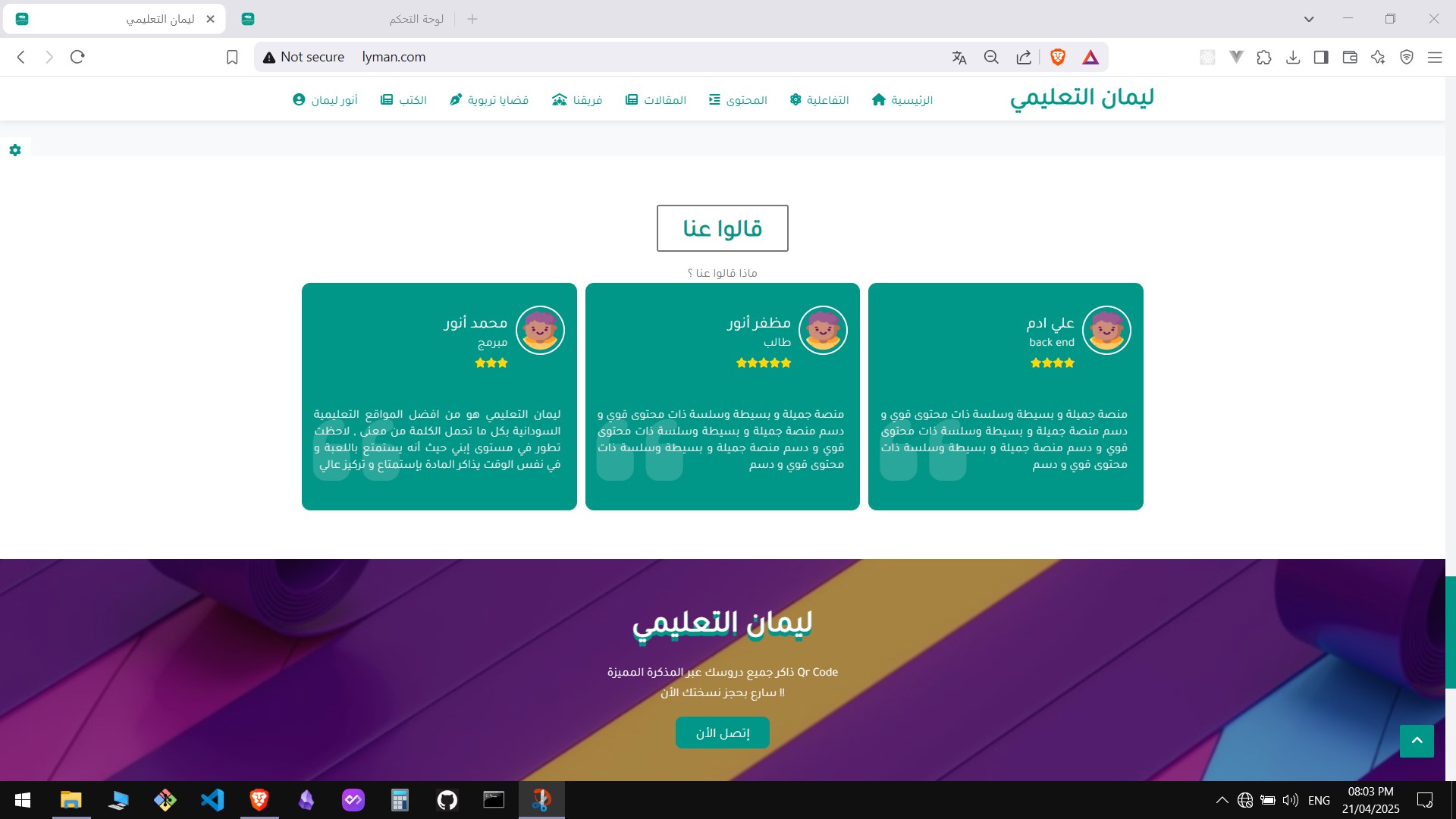
Below are screenshots from the screens/ folder (main branch). Use these to document UI or include in the project page.
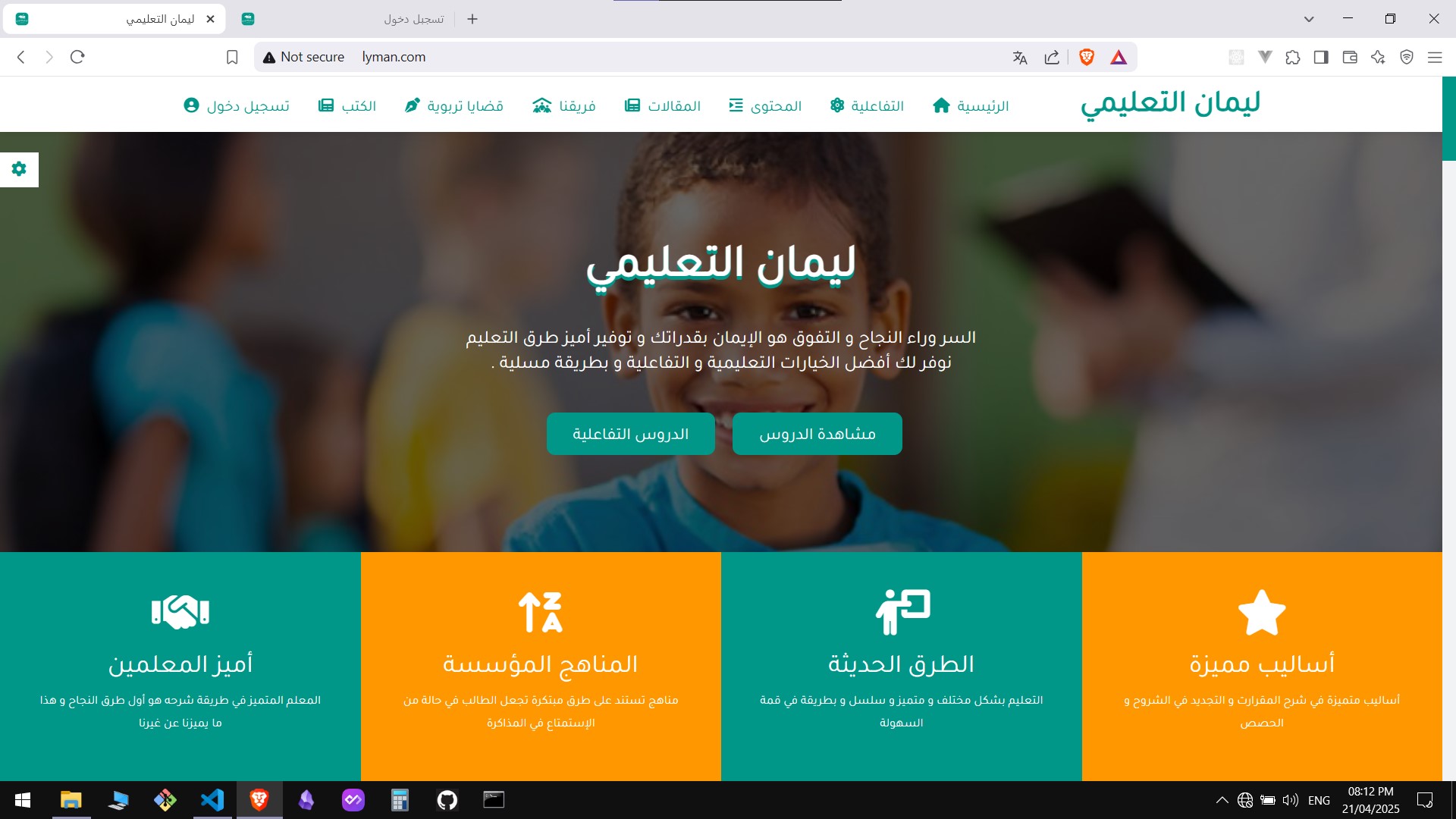
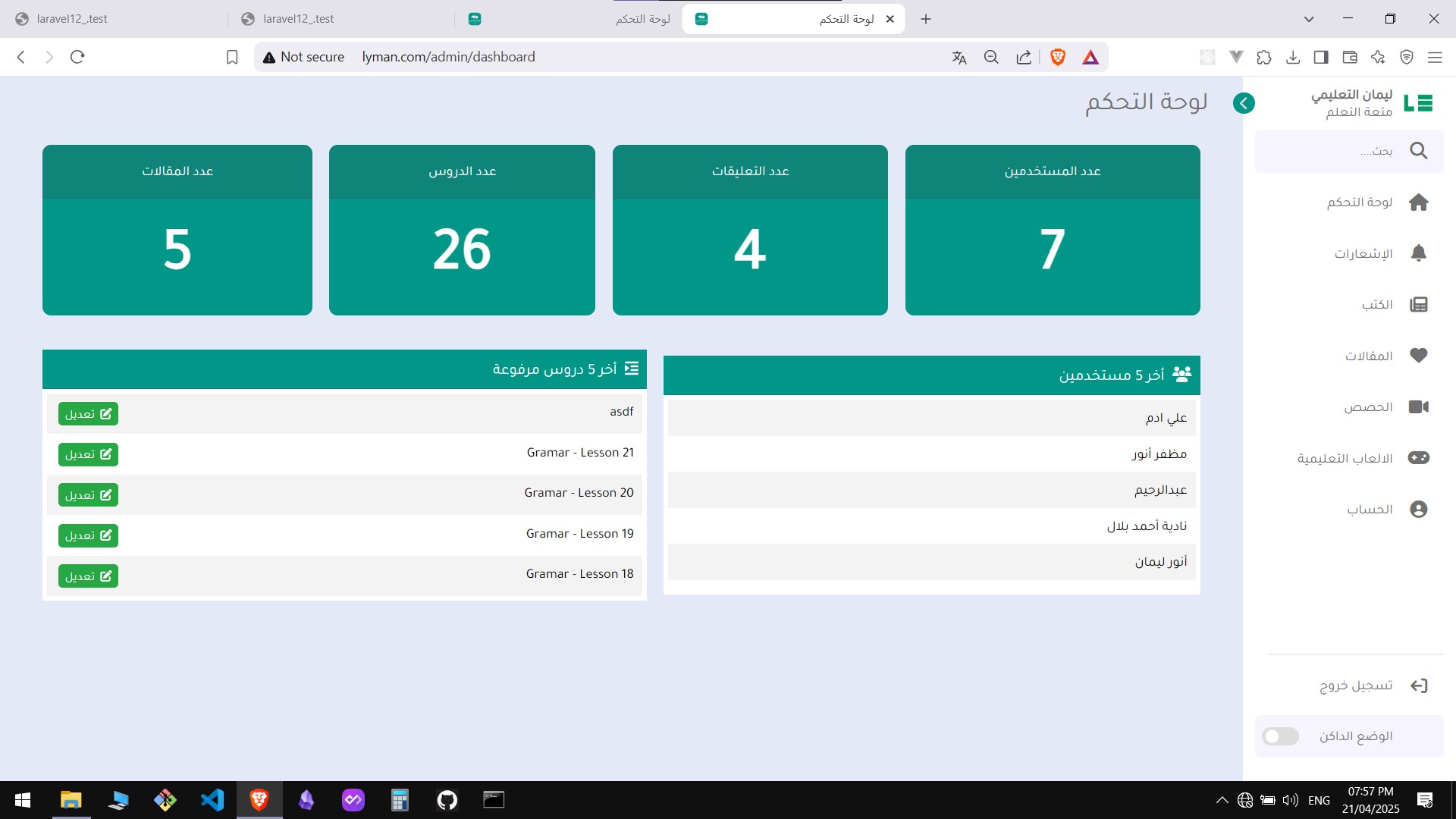
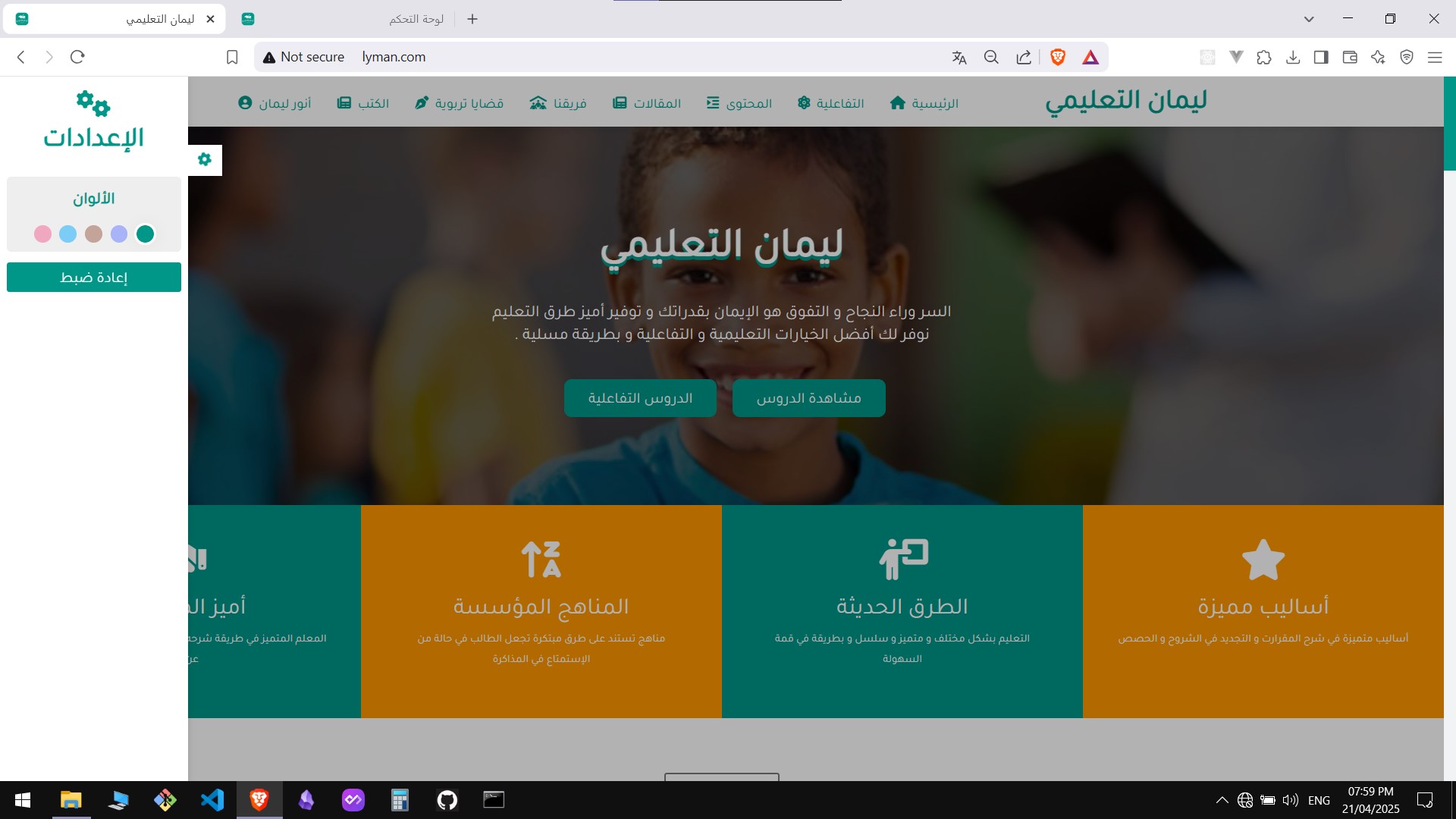
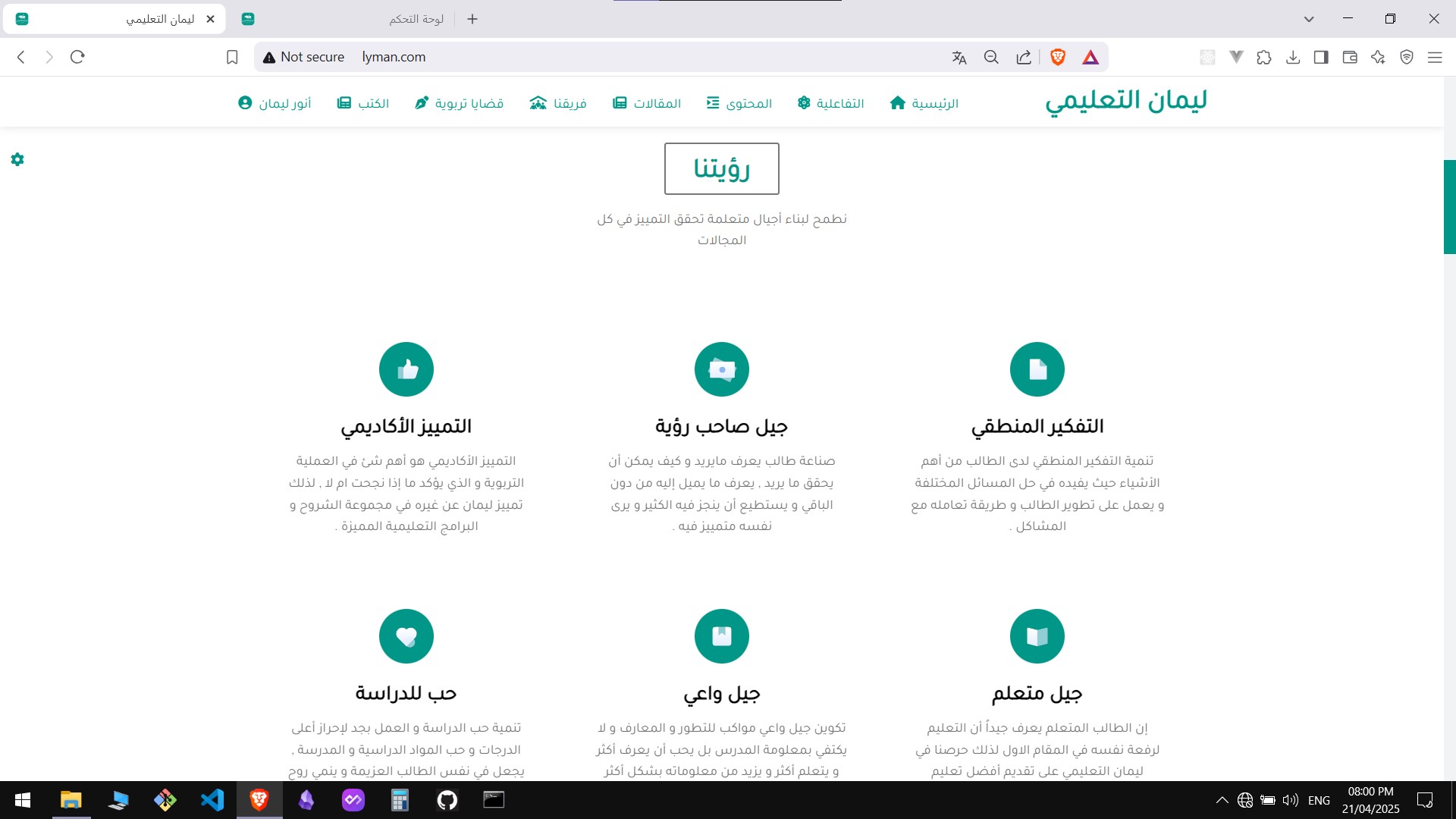
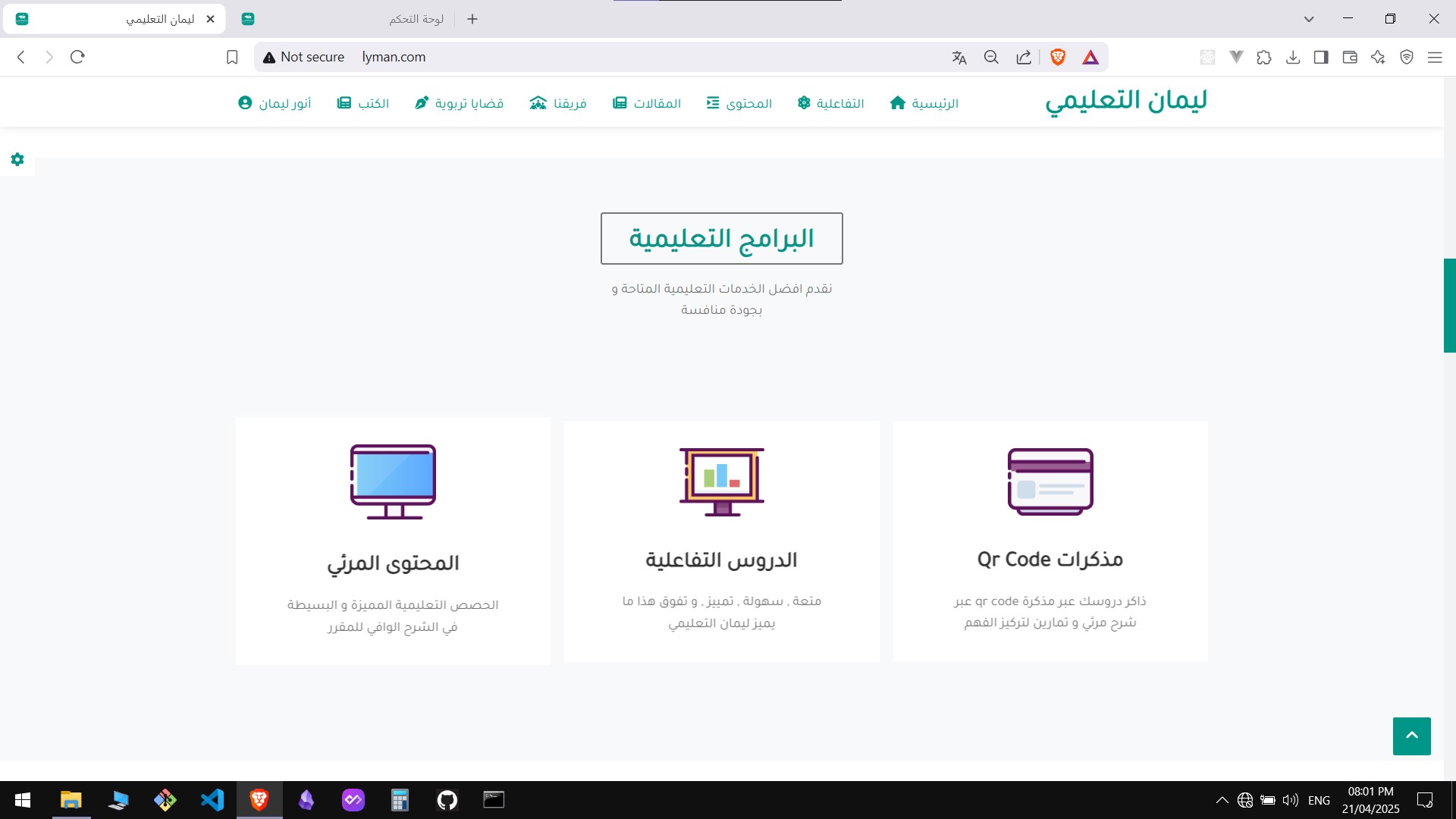
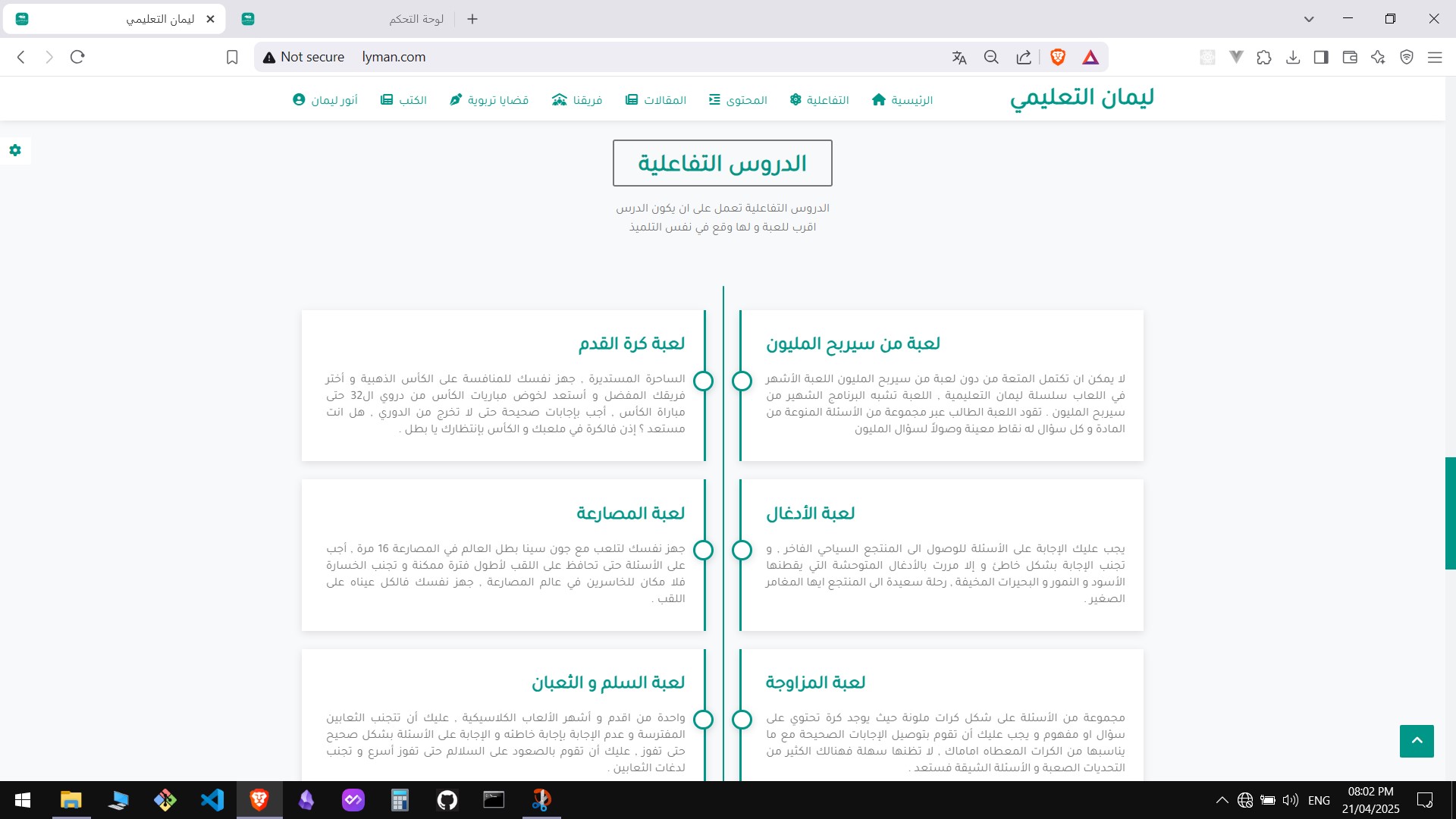
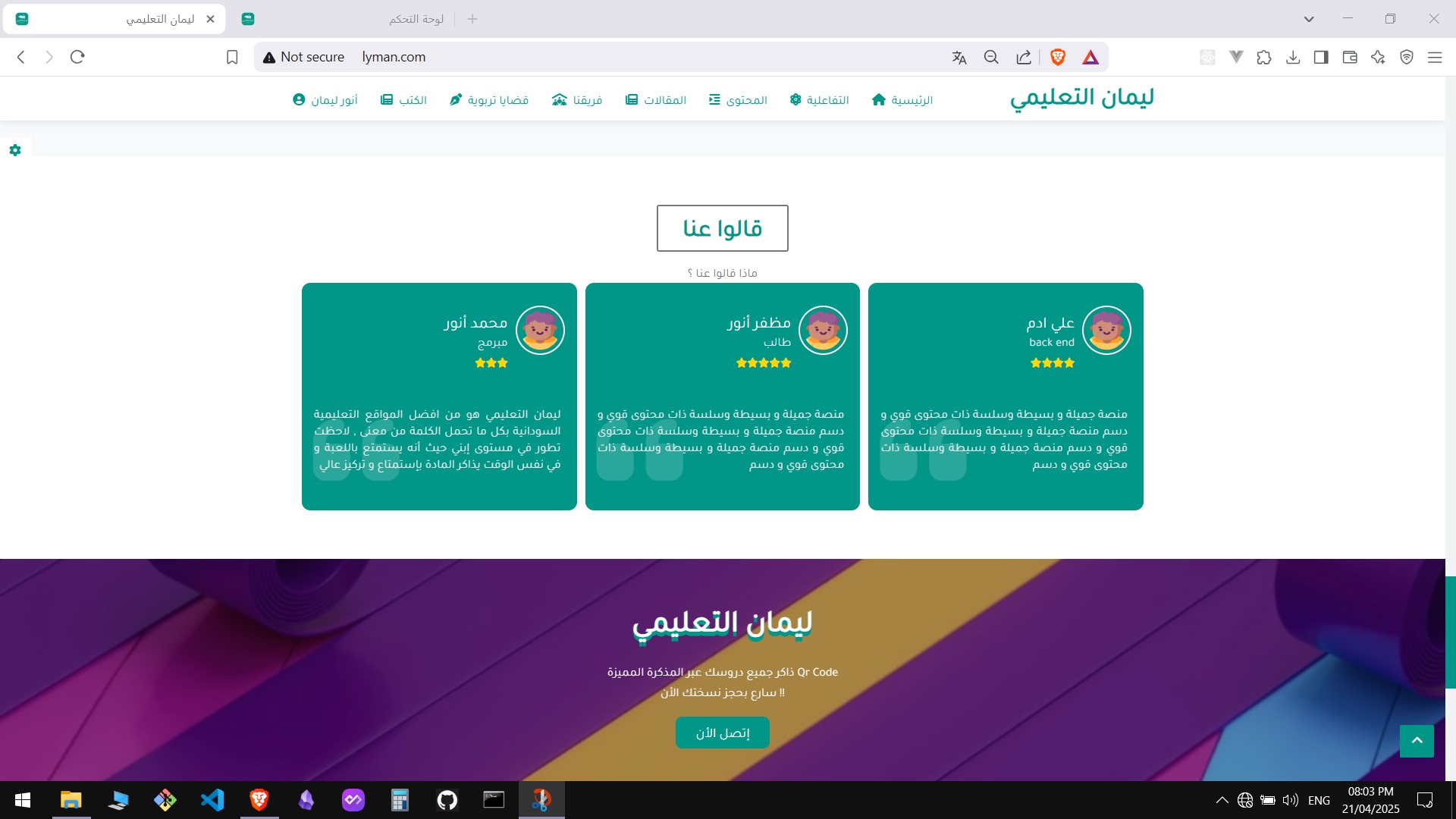
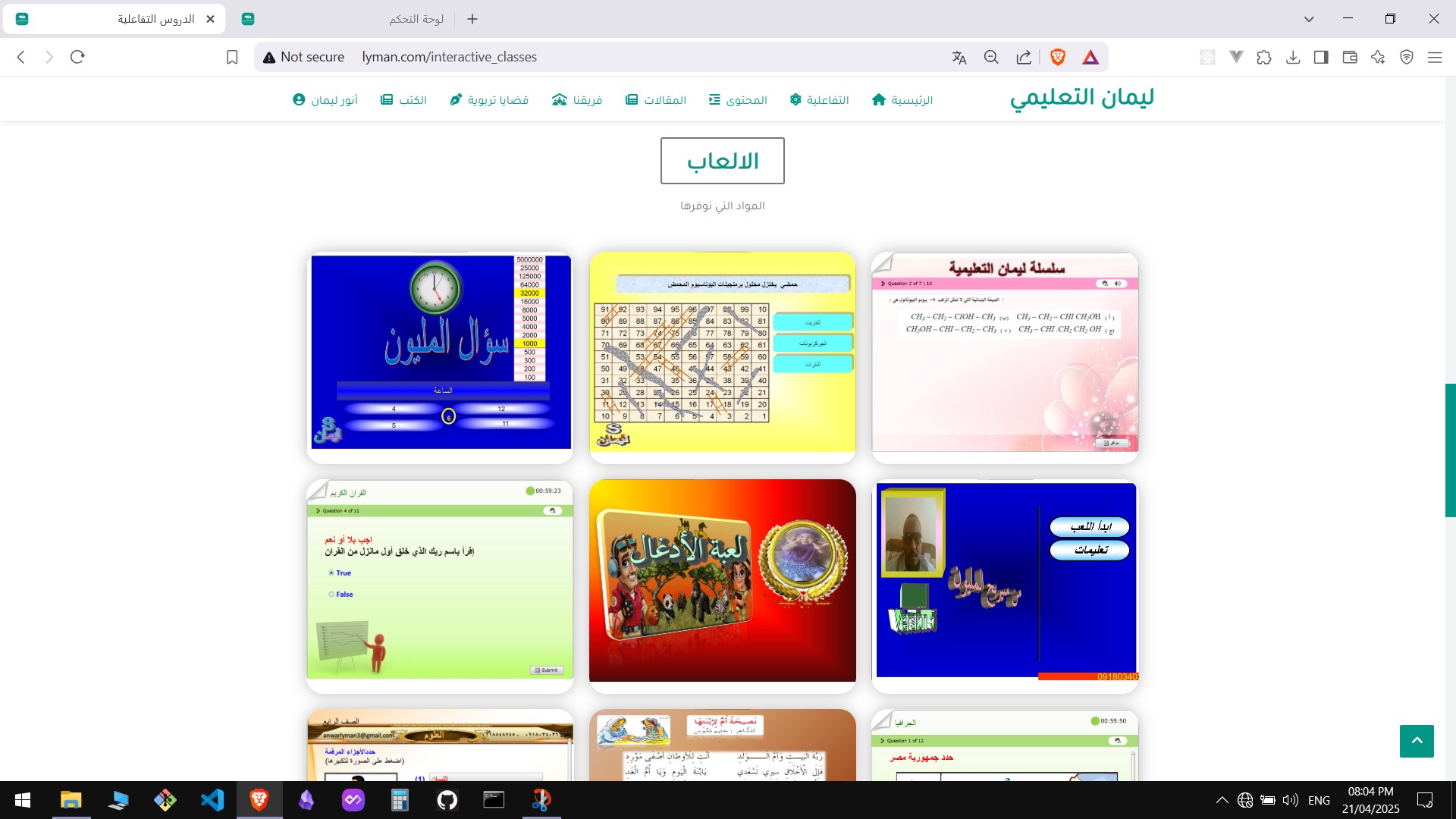
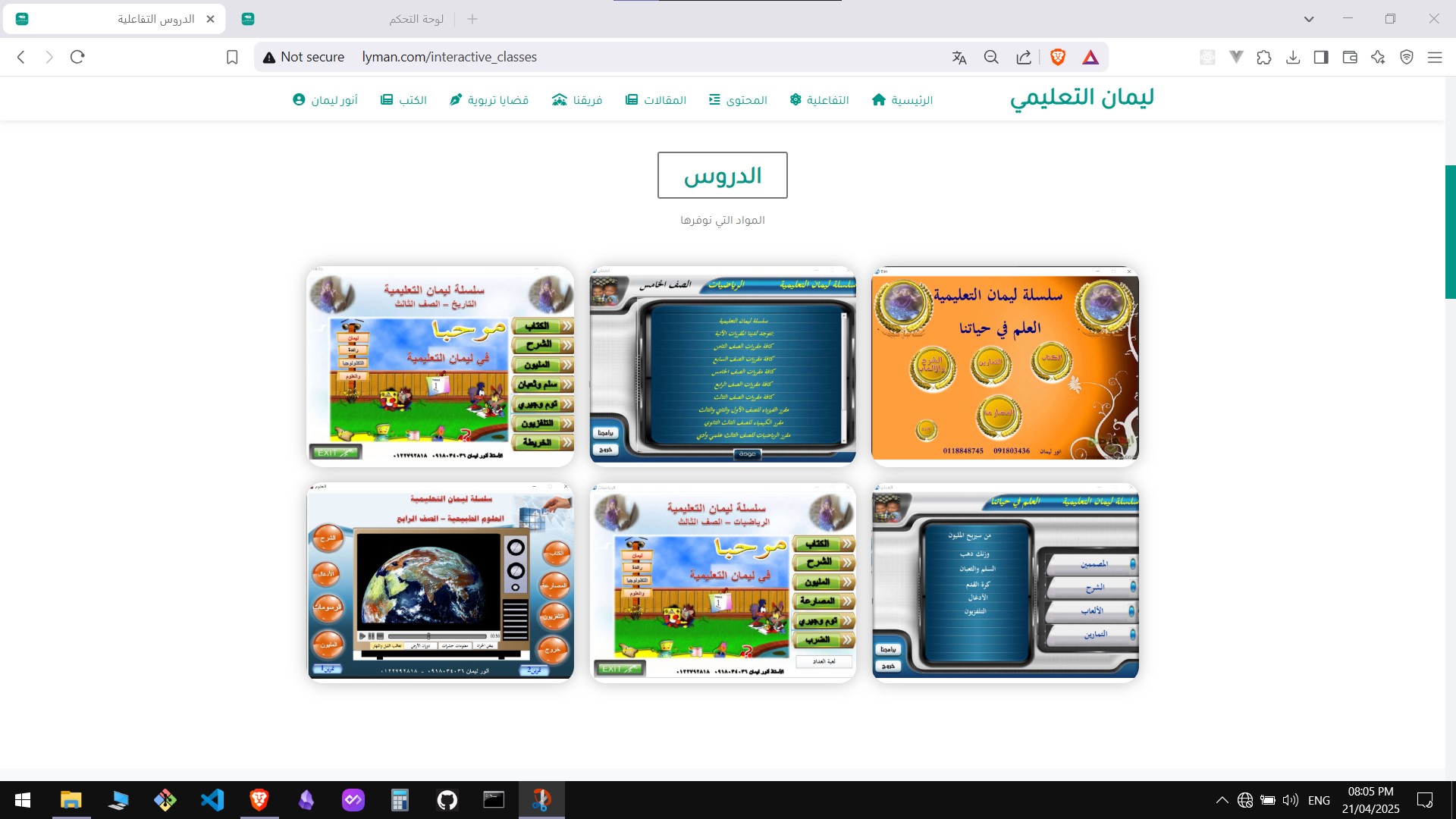
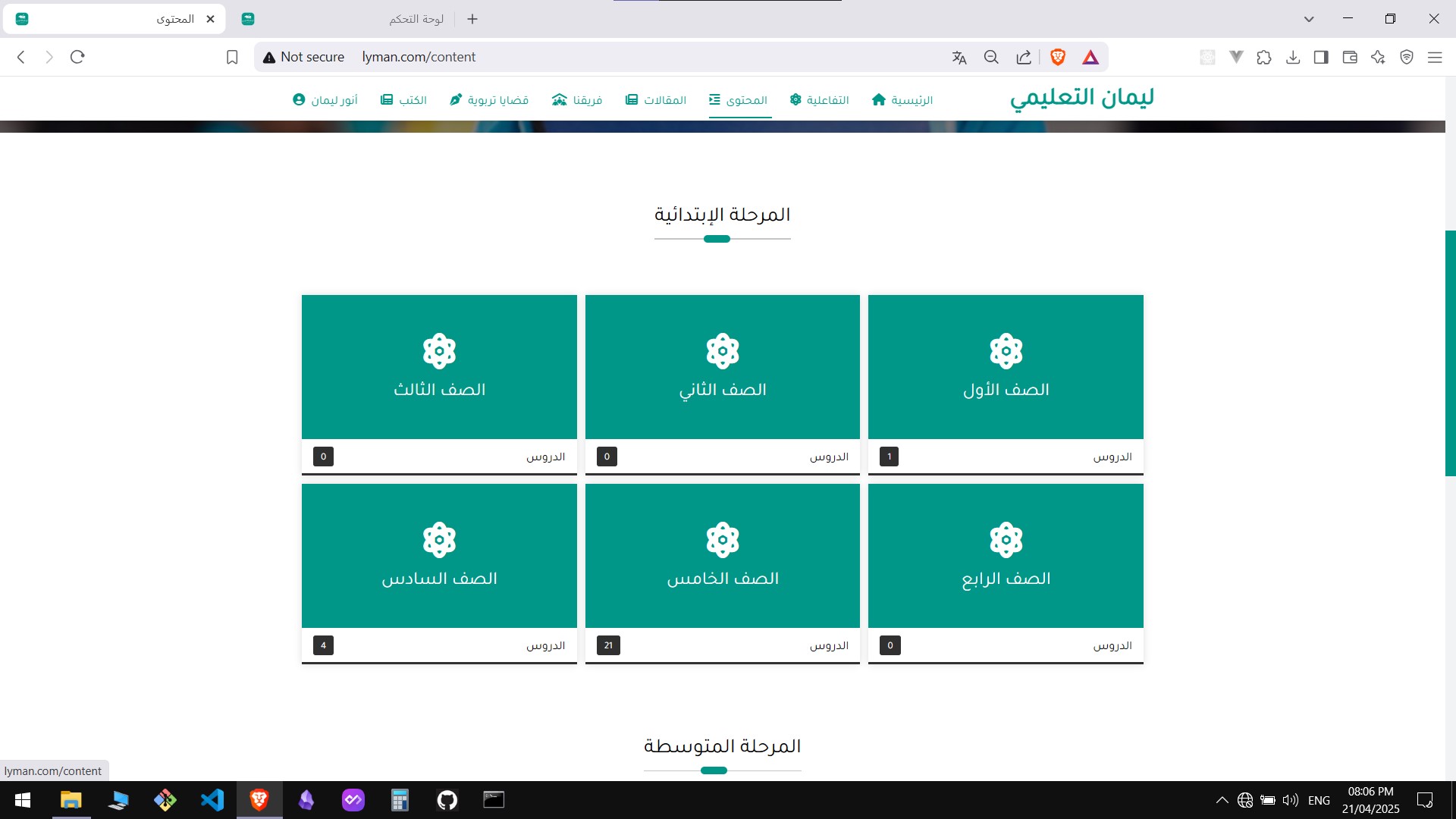

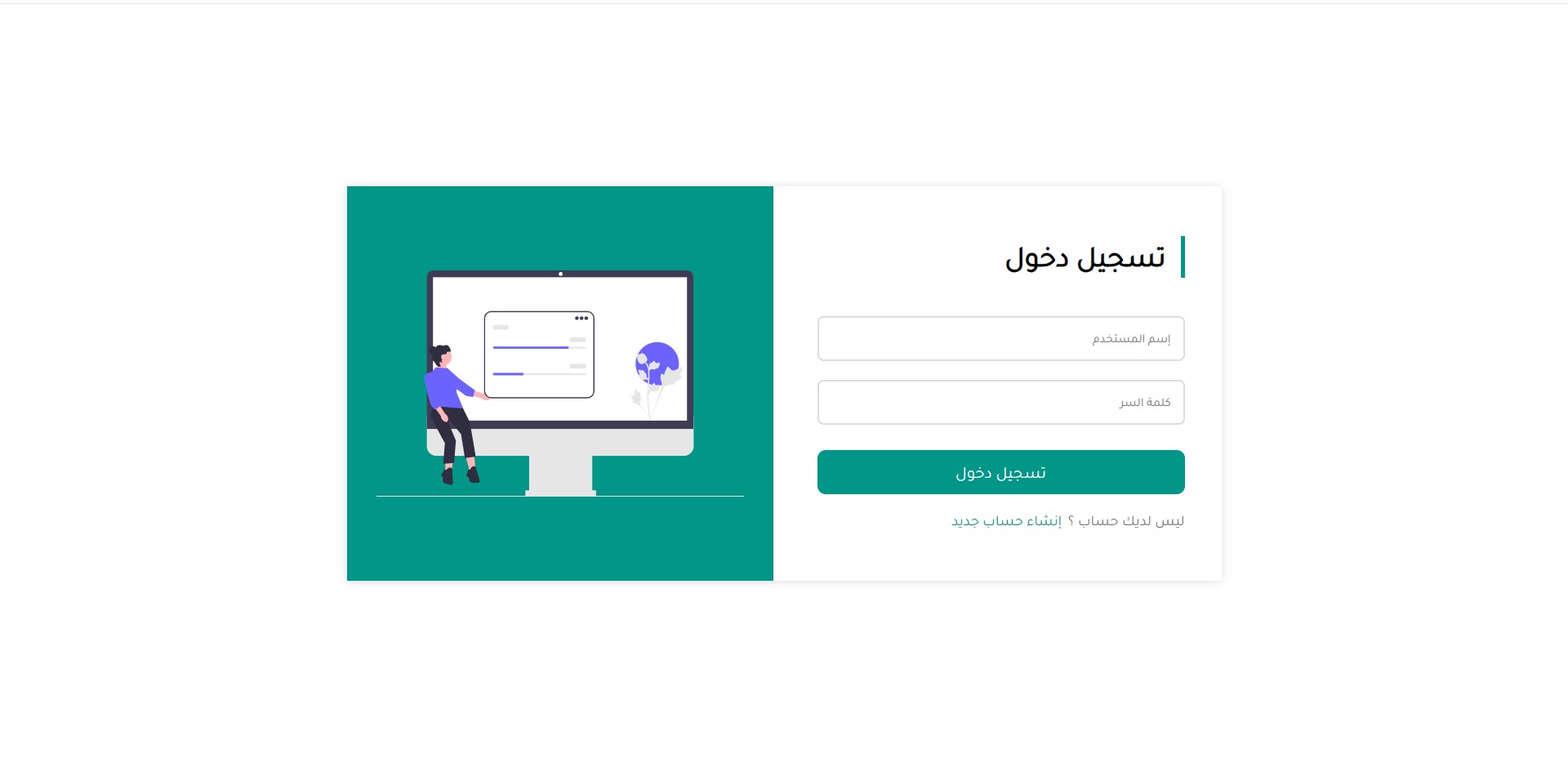
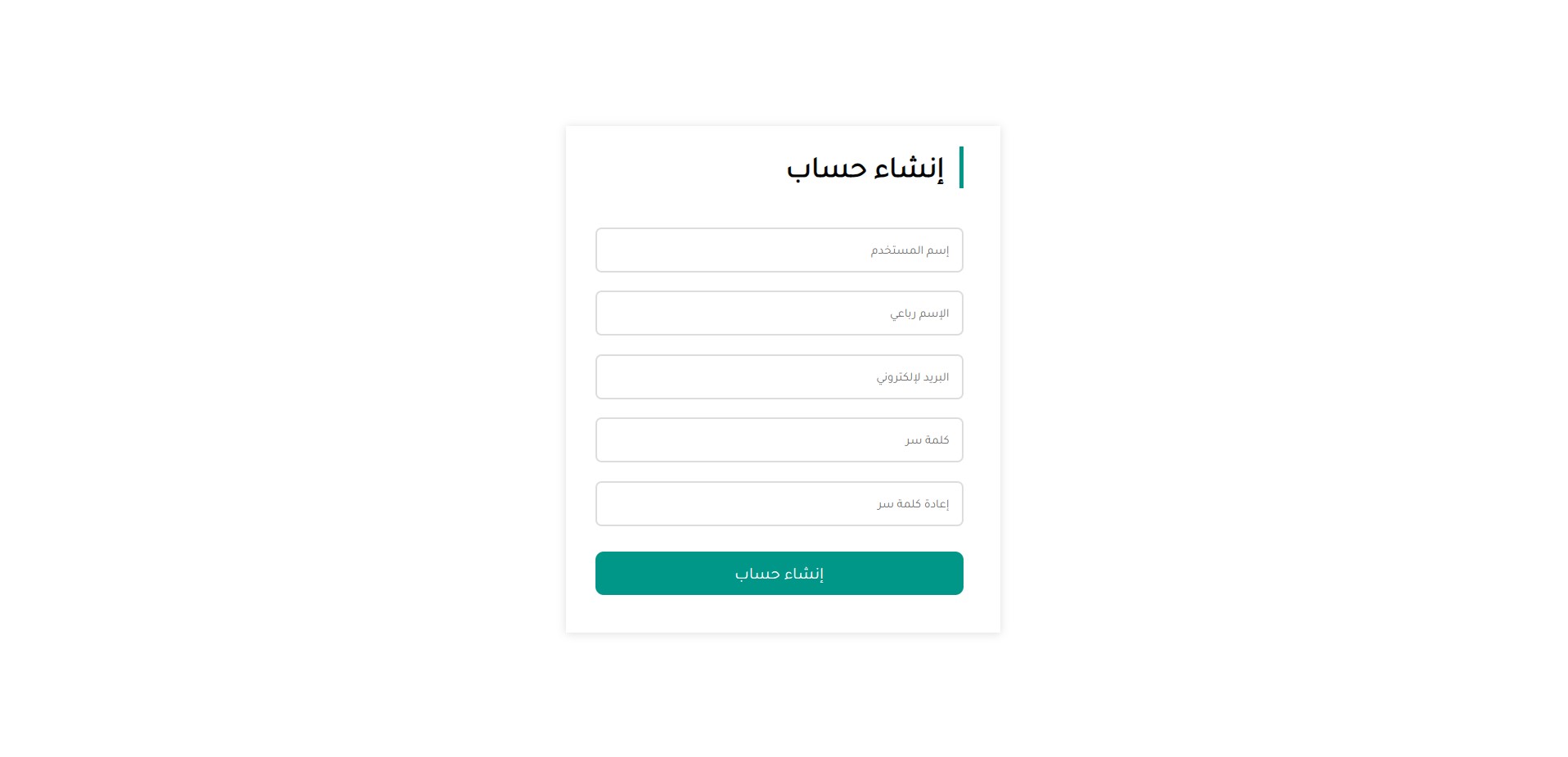
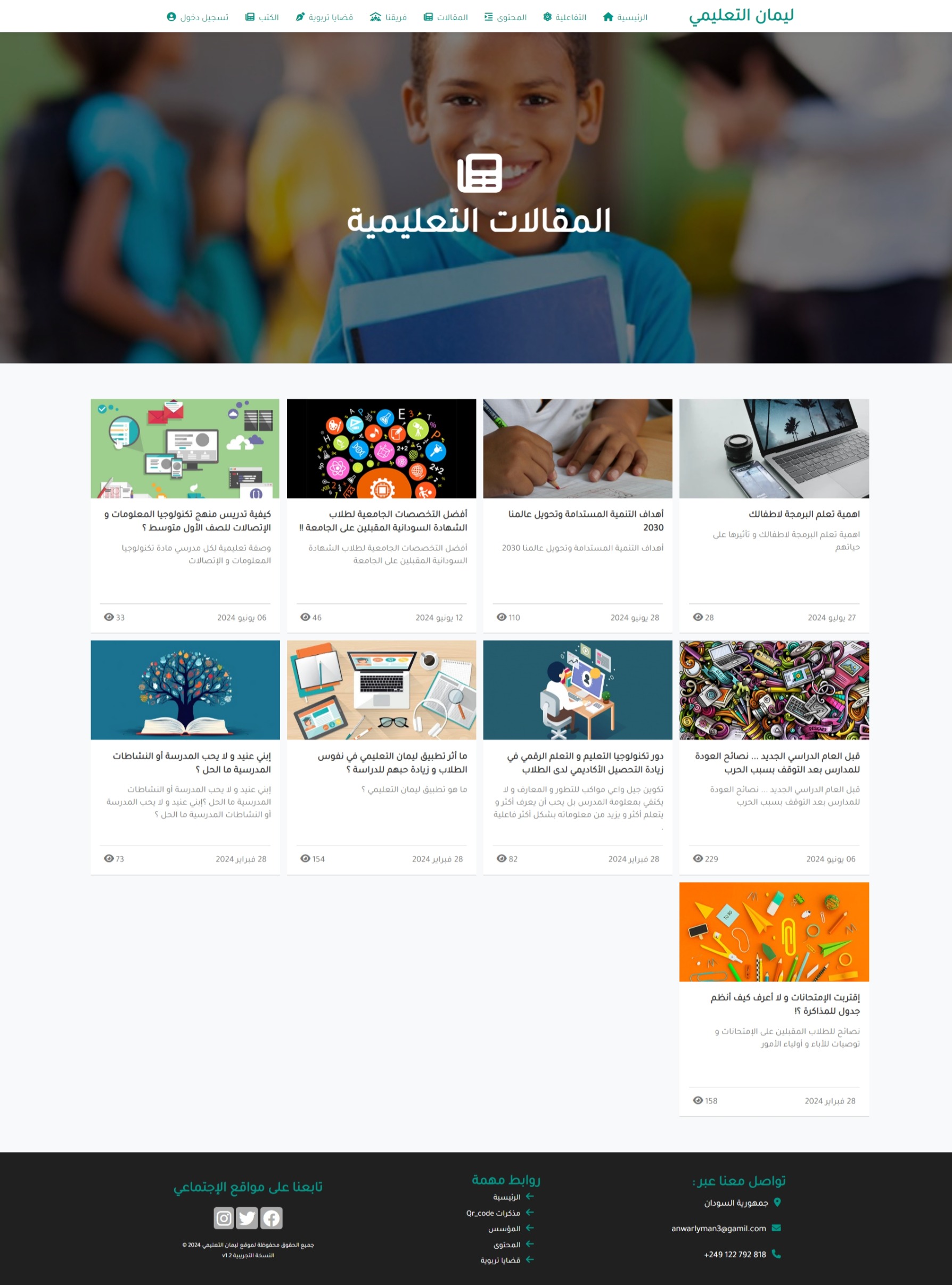
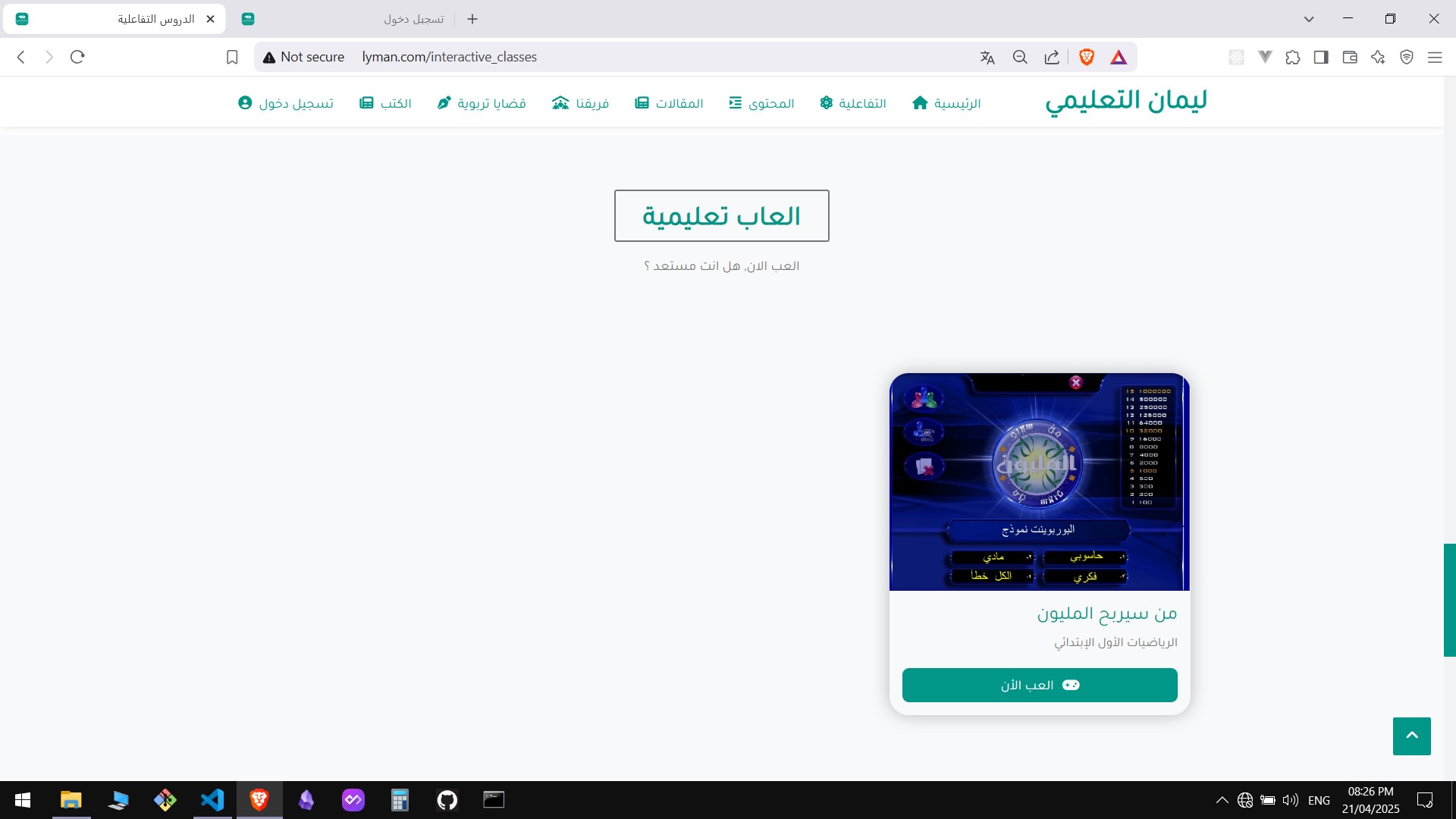
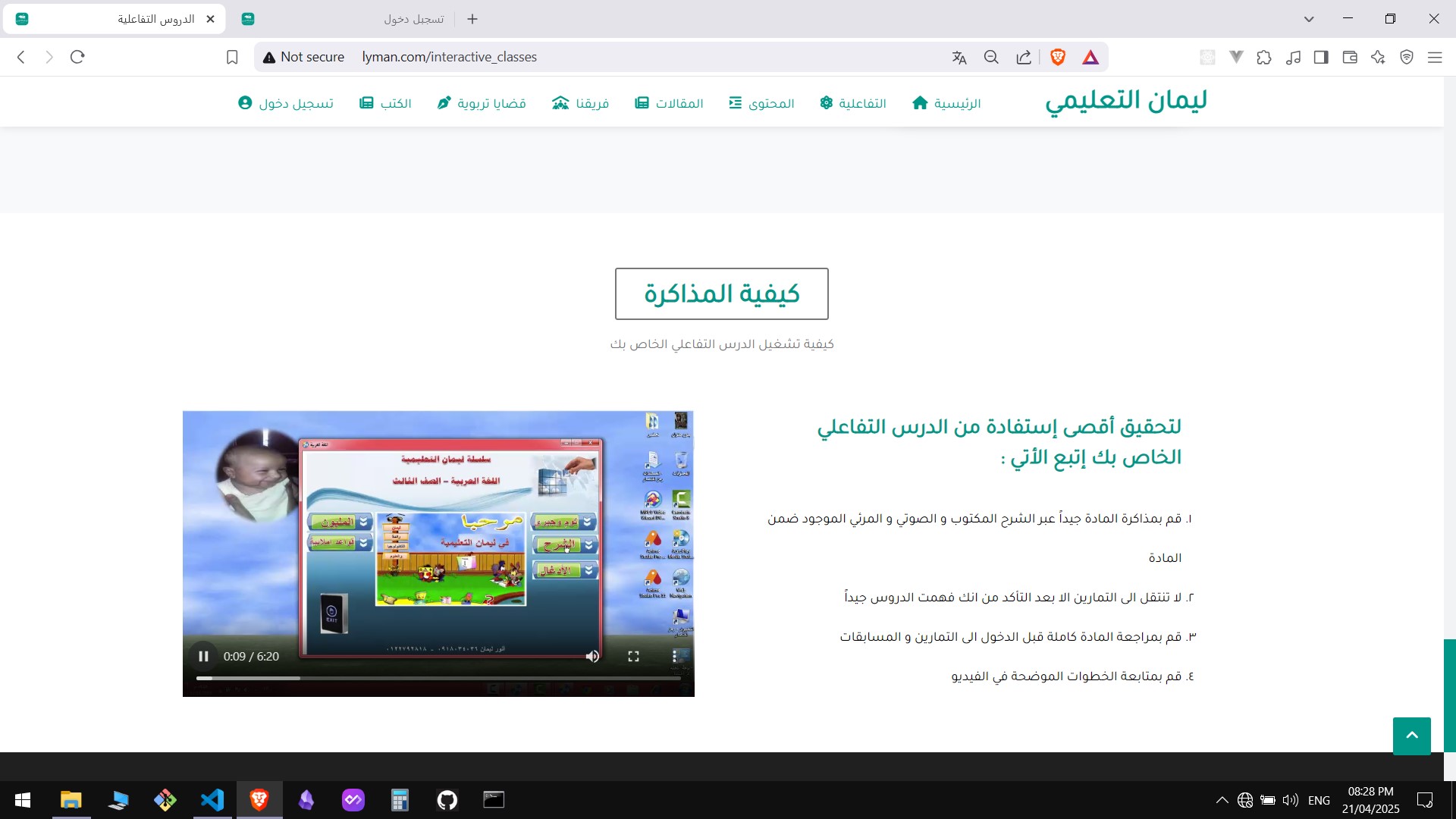
- index.php — landing page, feature and vision sections, shows how components are used and which images are referenced (feature-tile-icon-01..06.svg, card.png, projector.png, monitor.png)
- includes/functions/functions.php — utility functions used across pages
- includes/functions/db.php — PDO connection; update with your credentials
- layout/image/ — icons and images used by the UI
- screens/ — screenshots you can use for docs or README
Contributions are welcome. A minimal workflow:
- Fork the repository.
- Create a feature branch: git checkout -b feature/your-change
- Make changes and add tests where applicable.
- Open a pull request with a clear description of the change.