Try OpenDPD Studio in your browser →
No installation. Explore example data or upload your own CSV, train PA/DPD models on shared CUDA compute, and download your checkpoints. During the trial, 2 hours without user activity clears that IP’s temporary workspaces; all data is deleted within 12 hours.
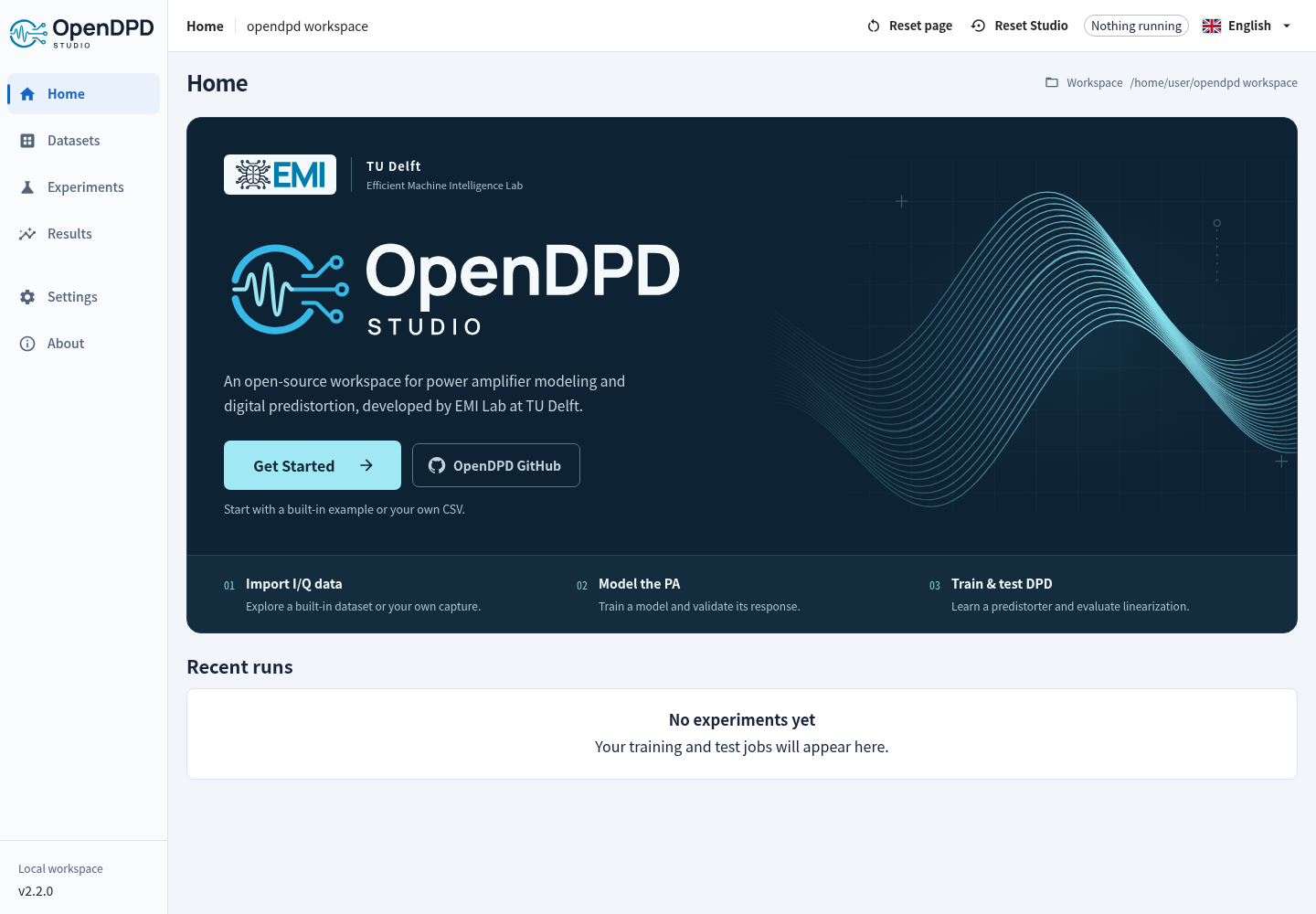


Model a power amplifier. Train a digital predistorter. Understand the result.
OpenDPD is a PyTorch framework for power amplifier (PA) modeling and digital predistortion (DPD), developed by the Efficient Machine Intelligence Lab at TU Delft. Use OpenDPD Studio in the browser or locally for a guided workflow, or automate experiments with the CLI and Python API. All three use the original OpenDPD training core.



Documentation · Studio walkthrough · Examples & Colab · Papers & citation
OpenDPD 2.2.16 organizes signal generation into Generate and Preview pages, adds named input/output datasets and searchable dataset selection, and improves plot clarity and workflow navigation. TRes-GRU, batch size 16 and valid-sample ACLR remain the defaults.
Signal Generator → PA Library → PA training → DPD training/testing. Generate a PA input, simulate its output with one of nine Virtual PAs, or use existing input/output data. Standard presets are uncoded engineering stimuli; each capture keeps its own sample rate and length.
2.2.16 release notes · Signal Generator · Signal Analyzer. During the hosted trial, 2 hours of inactivity clears that IP’s temporary workspaces; the top bar shows the expiry time.
Feature history · Verified platform status
Use Studio on the web, or install locally:
1. Install uv (then open a new terminal).
macOS / Linux:
curl -LsSf https://astral.sh/uv/install.sh | shWindows PowerShell:
powershell -ExecutionPolicy ByPass -c "irm https://astral.sh/uv/install.ps1 | iex"2. Create an environment, install, and launch (same commands on all three platforms):
mkdir opendpd-lab
cd opendpd-lab
uv venv --python 3.12
uv pip install --python .venv "opendpd==2.2.16" --torch-backend=auto
uv run --no-project --python .venv opendpd gui
PyTorch, Studio and pywebview install together; no Node.js is needed. uv selects a PyTorch backend for the detected platform/drivers. Studio prefers available CUDA or Apple MPS, then CPU. Keep the terminal running. A 127.0.0.1 link opens on the computer running OpenDPD; for SSH, use the port-forwarding instructions.
Click Get Started → Signal Generator, or Use an existing dataset. See Installation for drivers, Linux system libraries, native-window troubleshooting and pip; Studio walkthrough for your first experiment.
Develop from source (Git and Node.js 22.22+ required)
git clone https://github.com/lab-emi/OpenDPD.git
cd OpenDPD
uv venv --python 3.12
uv pip install --python .venv -e ".[dev]" --torch-backend=auto
npm --prefix frontend ci
npm --prefix frontend run build
uv run --no-project --python .venv opendpd gui| Step | What you do | What you learn |
|---|---|---|
| 1. Make or select data | Generate x → configure a Virtual PA → simulate y → create a paired dataset; or open existing x/y data. | Input/output provenance, signal quality and data splits. |
| 2. Model the PA | Train a behavioral model, then test it on held-out data. | How closely it predicts the dataset response, measured or explicitly synthetic. |
| 3. Train DPD | Place a predistorter before the trained PA model. | Whether the simulated cascade becomes more linear. |
| 4. Test & export | Compare results and export the predistorted I/Q signal. | A PA input signal ready for a separate measurement experiment. |
A DPD result evaluated through a PA model is a simulation. Exported u = DPD(x) is the PA input; a physical PA measurement is needed to establish measured linearization performance. See the Studio walkthrough and measured DPD guide.
PA Library guide · Reading signal-chain PSD plots

| I want to… | Read |
|---|---|
| Run the same workspace experiments from a terminal | Headless CLI |
| Train from Python or try a notebook | Examples · API reference |
| Understand the original training pipeline and quantization | Training guide |
| Use my own I/Q measurements through Python or the CLI | Dataset formats · Import & preprocessing |
| Configure plots, animations and dashboards | Visualization guide |
| Compare models or reproduce a paper | Benchmark · Reproduction guide |
| Evaluate waveforms, streaming or hardware export | Advanced guides |
| Resolve installation or signal-metric questions | FAQ |
Contributions of models, tests and documentation are welcome. Start with CONTRIBUTING.md; see testing and how we maintain the docs.
If you use OpenDPD in research, cite the OpenDPD paper. BibTeX and related papers · CITATION.cff
Chang Gao — Project Leader · Yizhuo Wu — Leading Developer. Meet the team · EMI Lab