Skip to content

Latest commit


History

19 Commits

Folders and files

NameName
Last commit message
Last commit date


Repository files navigation

mi7plus_JSFX

Reaper JSFX Plugins

https://raw.githubusercontent.com/mi7plus/mi7plus_JSFX/main/index.xml

Installation instructions

The easiest way to use these, is to use Reapack.

Step 1: Install Reapack

To do this, please follow the installation instructions here: https://reapack.com/user-guide#installation

Step 2: Add this repository to Reapack

The next step is to add the following repository to your reapack: https://raw.githubusercontent.com/mi7plus/mi7plus_JSFX/main/index.xml

Step 3: Find and install the plugin you want.

Now it's just a matter of checking out what's on offer and installing those that you want. No worries, it's all free stuff.

Step 4: Refresh your FX list (or restart Reaper) and find the plugin.

The plugins won't show up until you refresh your FX list or restart reaper.
Step 5: Enjoy! :)

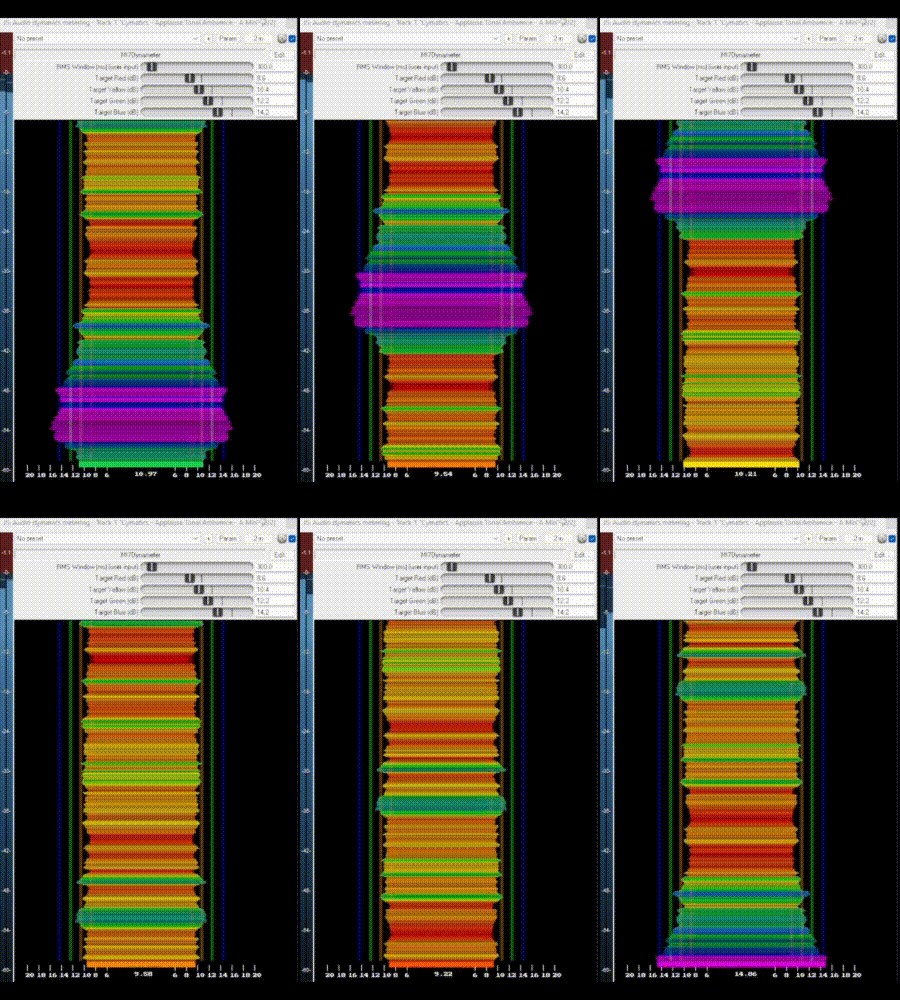
MI7Dynameter

https://giphy.com/gifs/XGGRPPiC0IMcuEEwc

MI7LodnessMeter

https://giphy.com/gifs/b6wliozjQNK9B7ud5E

About

No description, website, or topics provided.

Resources

Stars

1 star

Watchers

1 watching

Forks

Releases

Packages

Contributors