A Fancy Clock built around a monitor and a Raspberry Pi
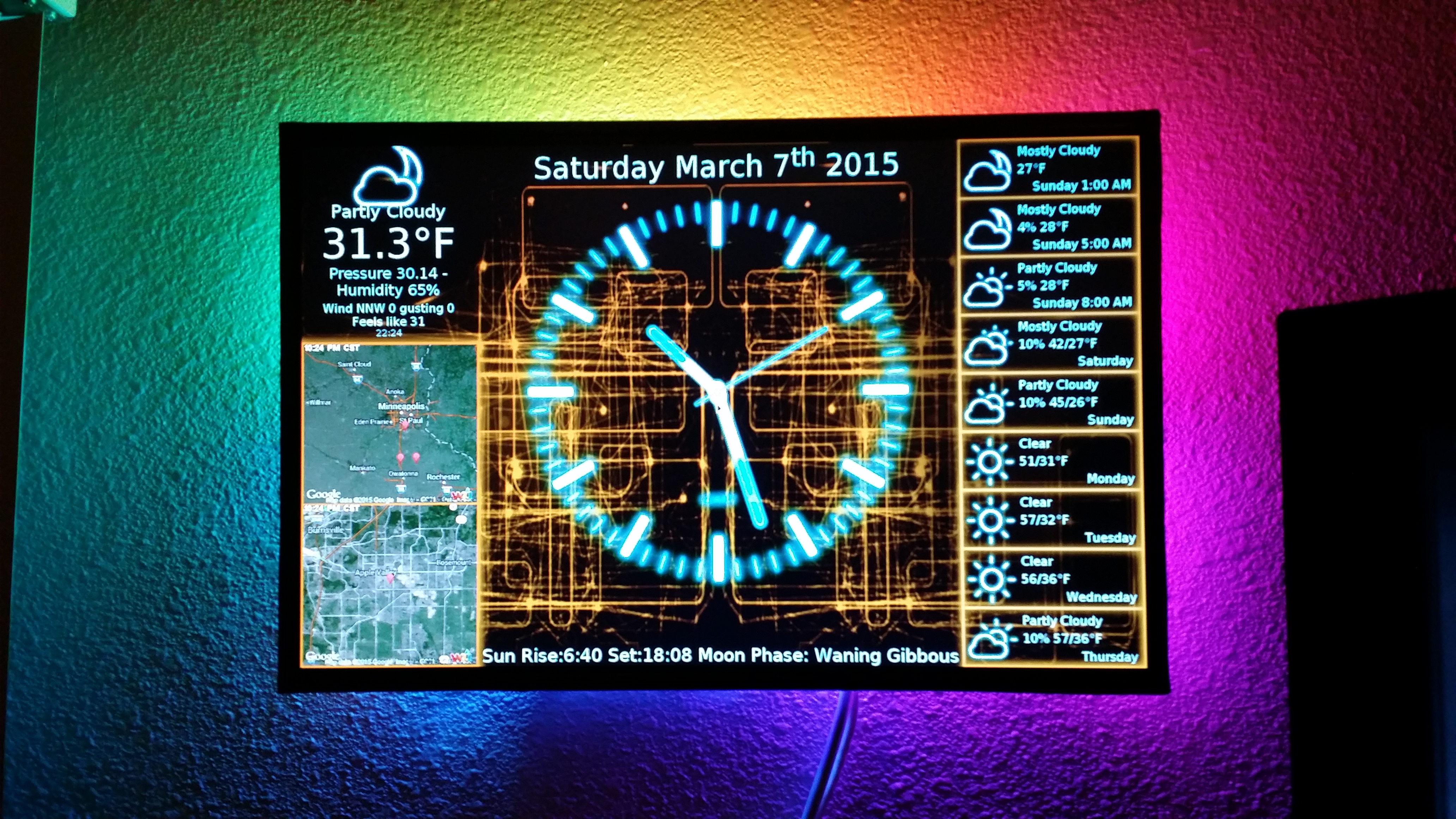
This repository is here to keep older PiClocks running. If you have one built years ago, or a Pi and an OS you'd rather not change, this is the version for you. It is Python 2 and PyQt4, and it runs up through Raspberry Pi OS Buster (Debian 10), on a Pi 1 through a Pi 4. PyQt4 was dropped from Debian after Buster, so Bullseye and newer will not run it, and there is no way around that short of the rewrite below.
If you're building a new PiClock, or you're already on Bullseye or newer, I'd suggest SerBrynden's fork. It's Python 3 and PyQt5, it's kept current, and it's where the active development is. https://github.com/SerBrynden/PiClock
A lot of the weather and radar services this was built on have since gone away or been restricted. Radar now comes from LibreWXR, with rainviewer still selectable in Config.py via userainviewer. Anything older than Buster will also need certificate authorities added before those services will answer it, which the install guide covers.
This project started out as a way to waste a Saturday afternoon. I had a Raspberry Pi and an extra monitor and had just taken down an analog clock from my livingroom wall. I was contemplating getting a radio sync'ed analog clock to replace it, so I didn't have to worry about it being accurate.
But instead the PiClock was born.
The early days and evolution of it are chronicled on my blog http://n0bel.net/v1/index.php/projects/raspberry-pi-clock
If you want to build your own on an older Pi, I'd suggest starting with the overview https://github.com/n0bel/PiClock/blob/master/Documentation/Overview.md
If you want to use the PiClock on your desktop (not your Pi), I'd suggest using these instructions. https://github.com/n0bel/PiClock/blob/master/Documentation/Install-Clock-Only.md
All of the extra hardware (IR Remote, GPIO buttons, Temperature, LEDs) are optional, so you can then jump to the install guide https://github.com/n0bel/PiClock/blob/master/Documentation/Install.md
Of course you can jump to the hardware guide anytime https://github.com/n0bel/PiClock/blob/master/Documentation/Hardware.md